KHQR
They scan, and it’s paid
KHQR is how Cambodia pays. BrownPOS makes a code for each sale with the amount already in it, so nobody has to type the price.
How it goes
Three steps at the counter
The cashier never leaves the sale screen. KHQR is just another way to pay, like cash.
- Choose KHQR when it’s time to pay
- The customer scans the code with their banking app
- The payment is confirmed and the receipt prints
The sale, ready to pay1 / 5
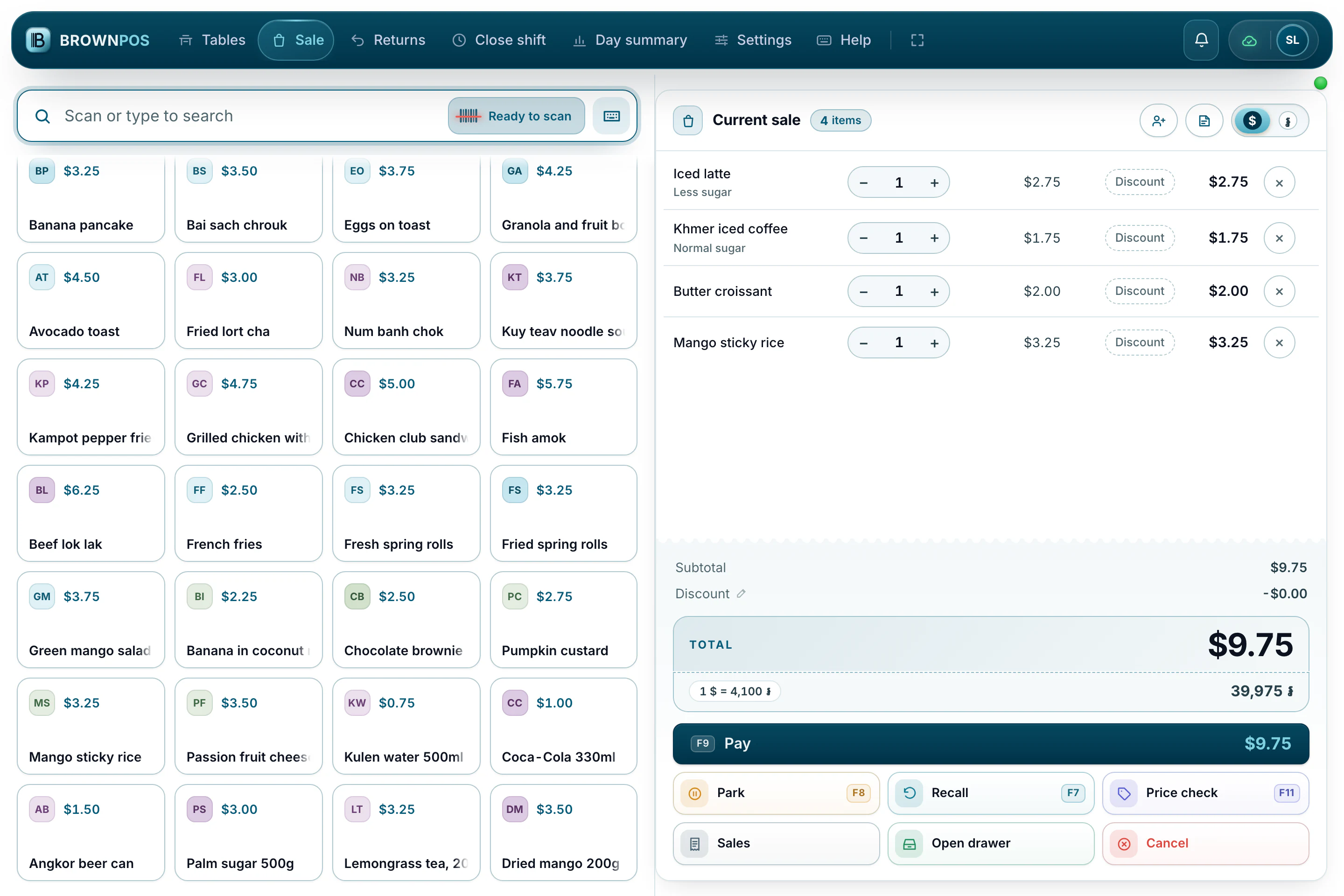
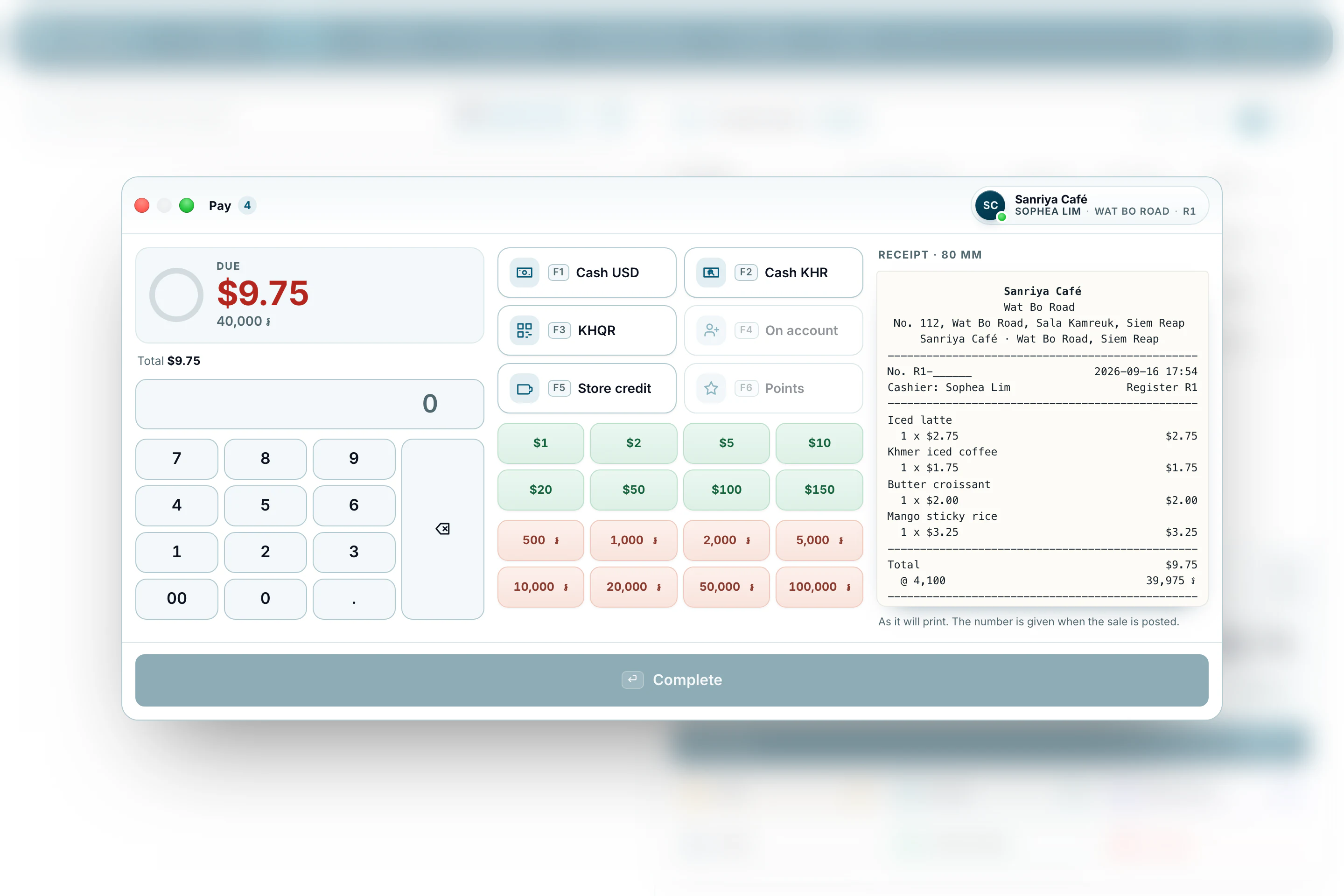
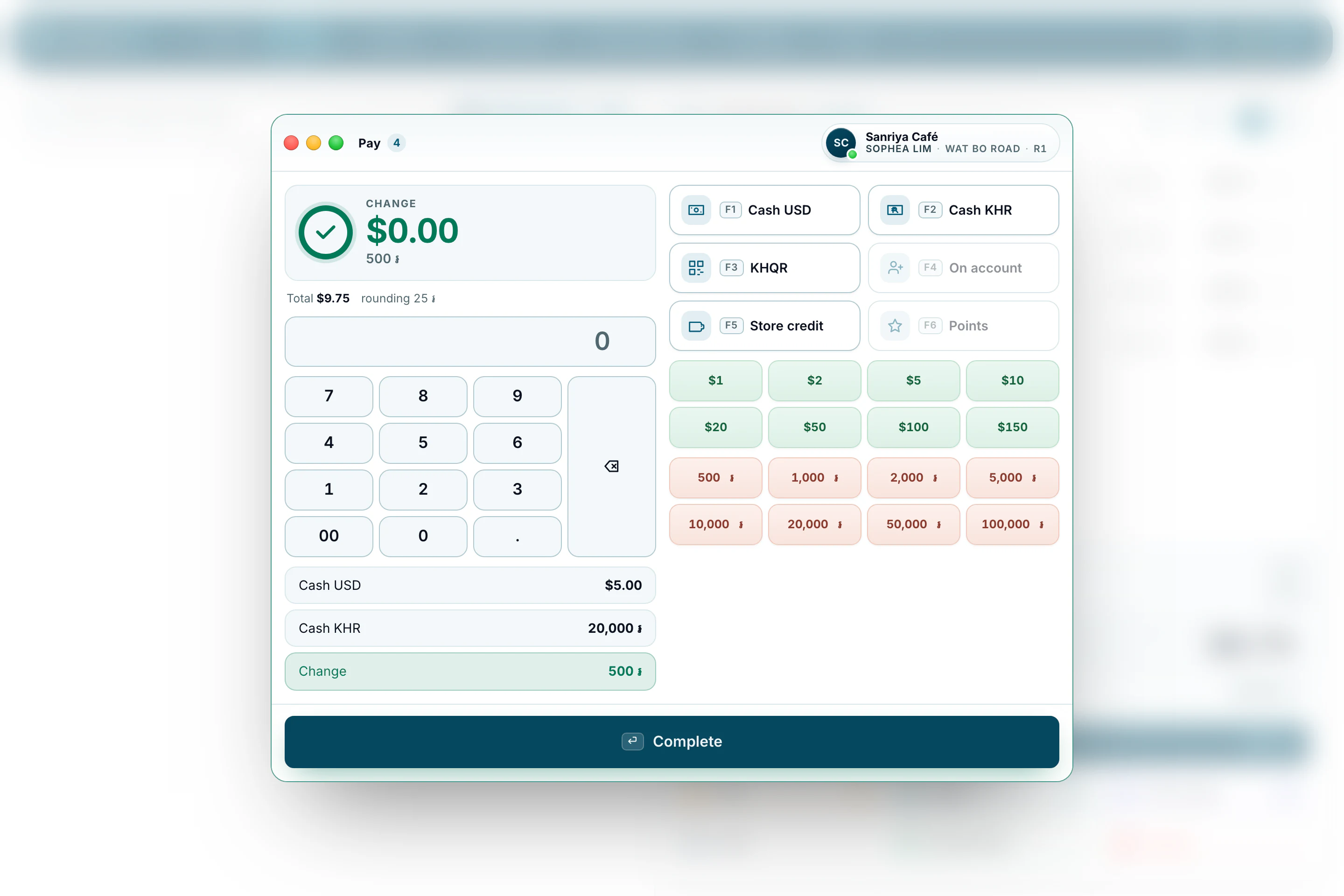
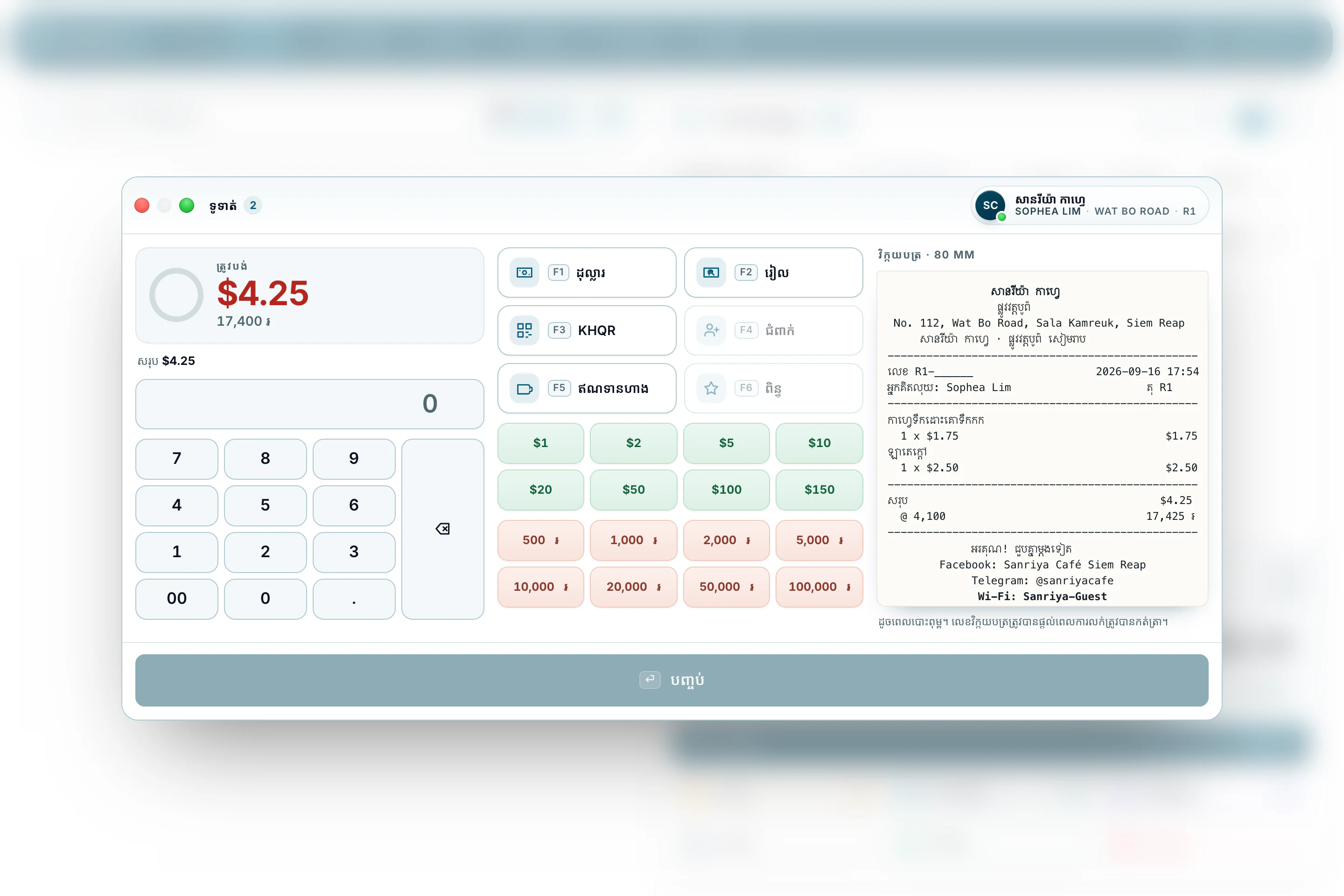
The total in dollars, with riel beneath it at the shop’s own rate.
At the end of the day
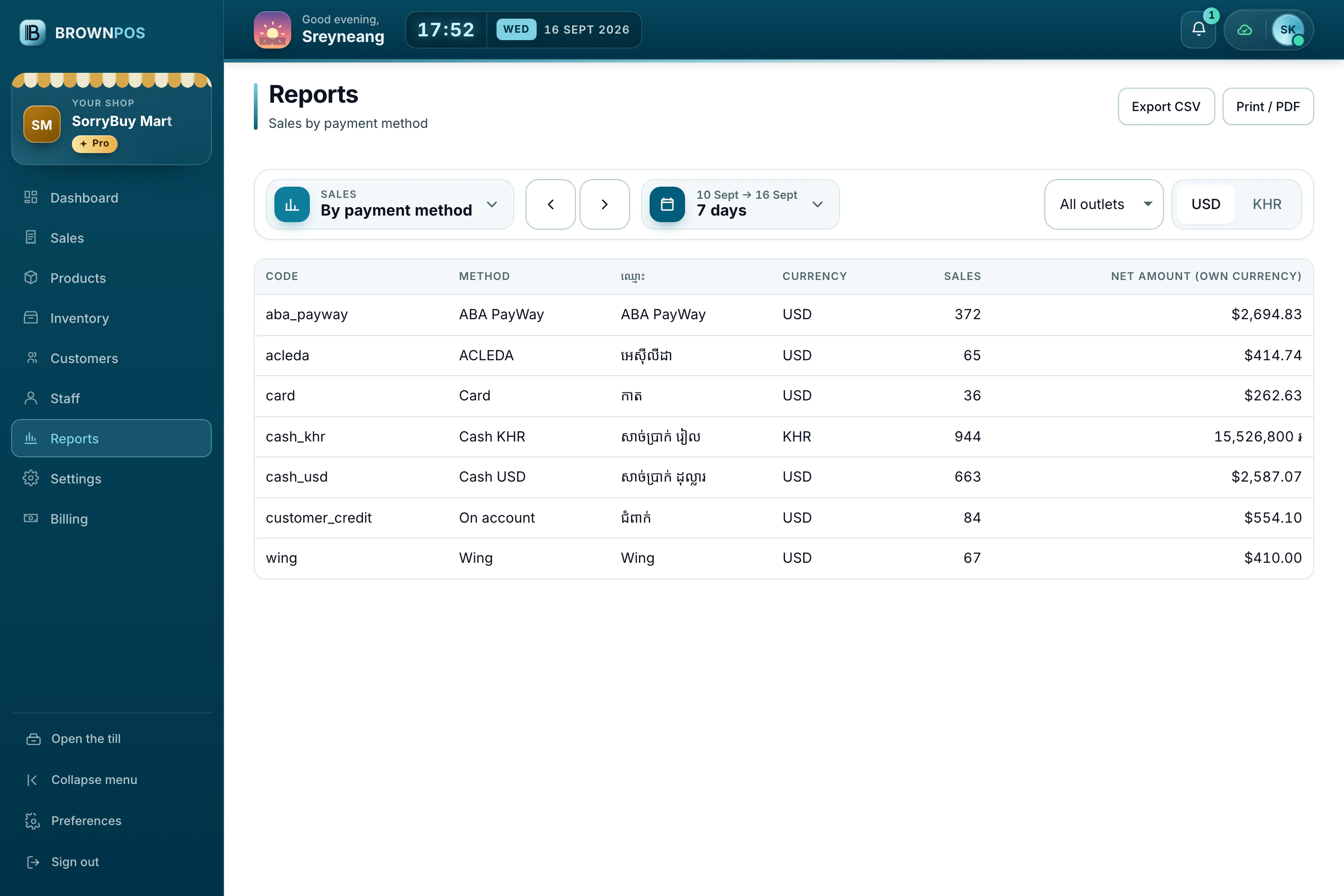
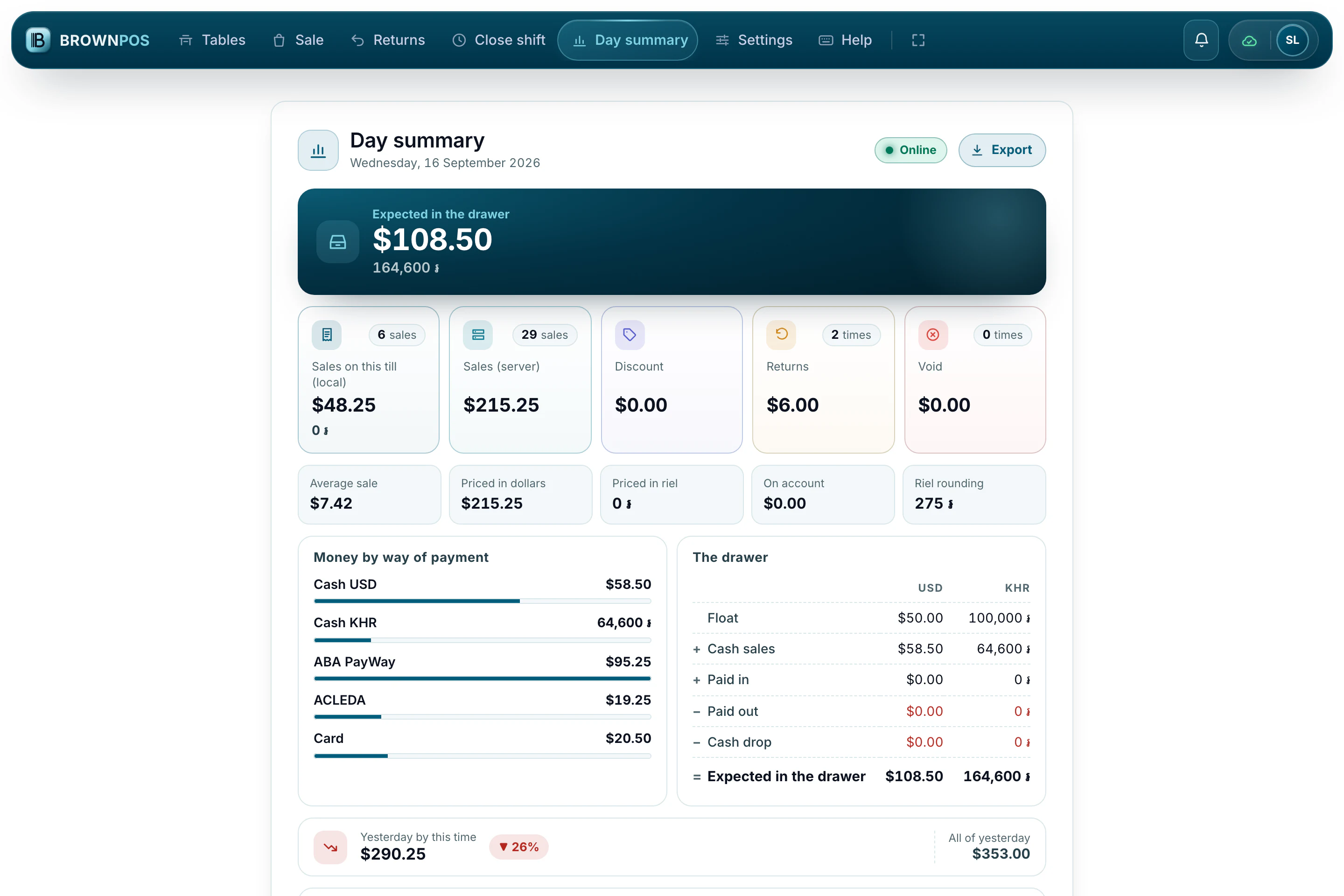
Cash and KHQR are counted separately
The day summary shows how each payment came in, so the drawer count only has to match the cash.
Take your first KHQR payment today
The code already includes the amount, so there’s nothing to mistype and nothing to check by hand later. See it in a demo, end to end.