No special machine to buy
BrownPOS runs in a web browser, so an Android tablet, a laptop or an iPad will work. If you already have one, you can start today.
Three things
Something with a screen
A tablet of ten inches or more is plenty. A computer works too.
A receipt printer
A 58 mm or 80 mm thermal printer, the kind sold all over Cambodia.
A barcode scanner
Optional, but faster. A simple USB scanner works as soon as you plug it in.
The same till on every device
BrownPOS runs in the browser, so it adapts to the screen in front of you. These are Sanriya Café’s screens, a demo shop, on a computer, a tablet and a phone.
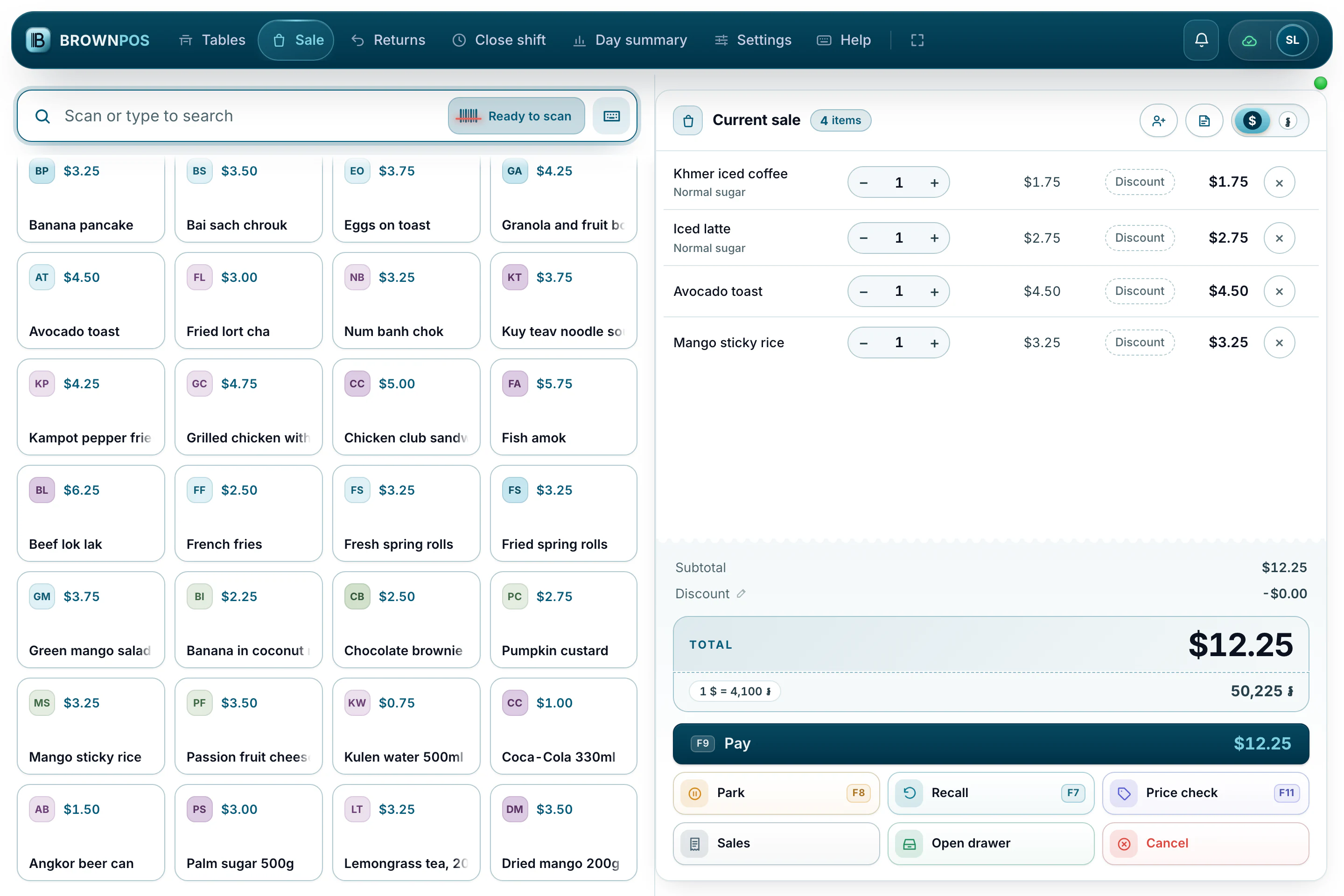
A laptop or a desktop
The widest layout: products and the sale side by side, with every function on a key.
- USB and Bluetooth printers in Chrome or Edge
- A barcode scanner plugs straight in
- A second screen for the customer
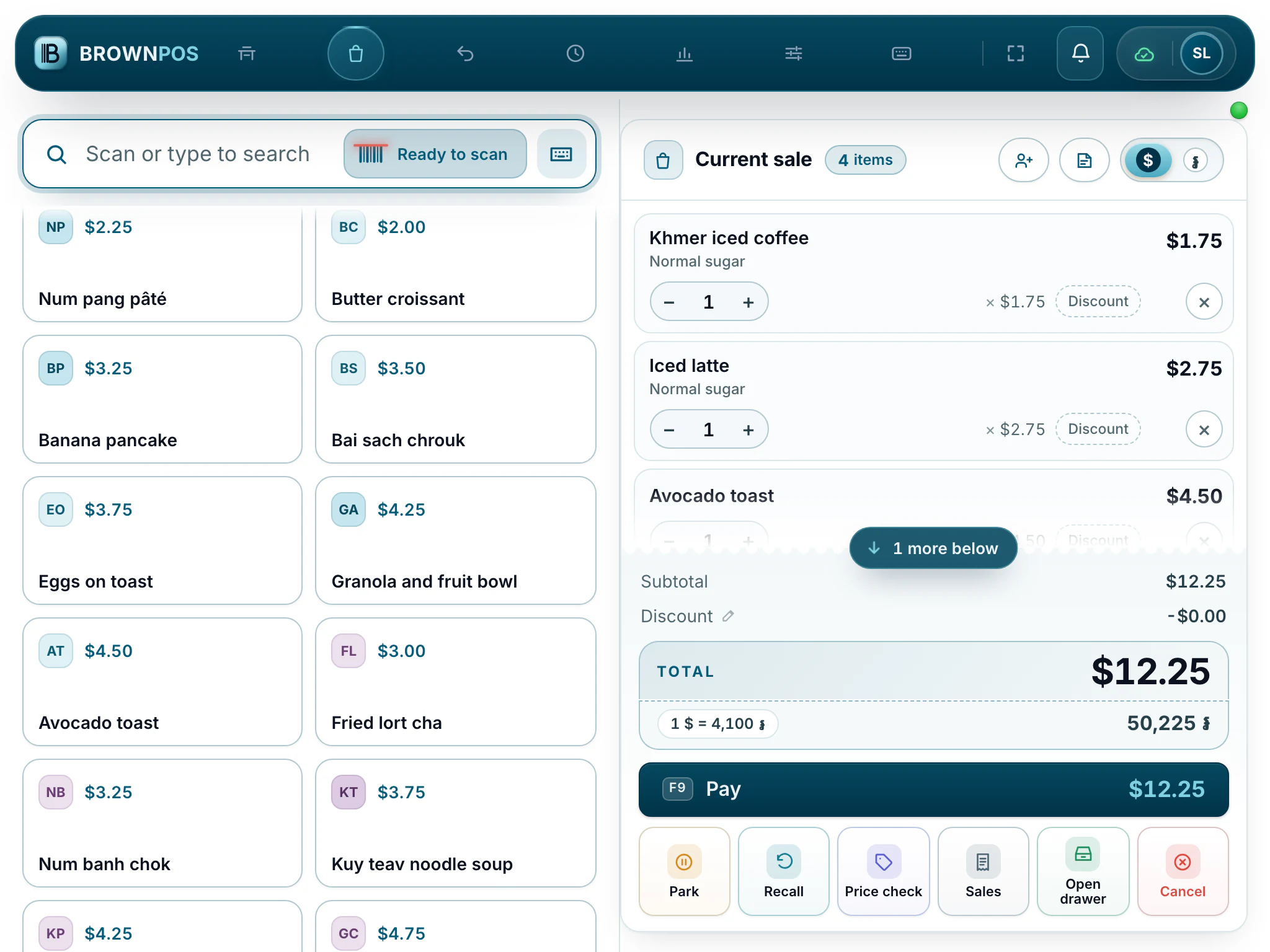
A ten-inch tablet
The layout tightens and the tabs become icons, with buttons big enough for a busy counter.
- Android tablets and iPads
- Print over the shop’s network
- Stays open all day
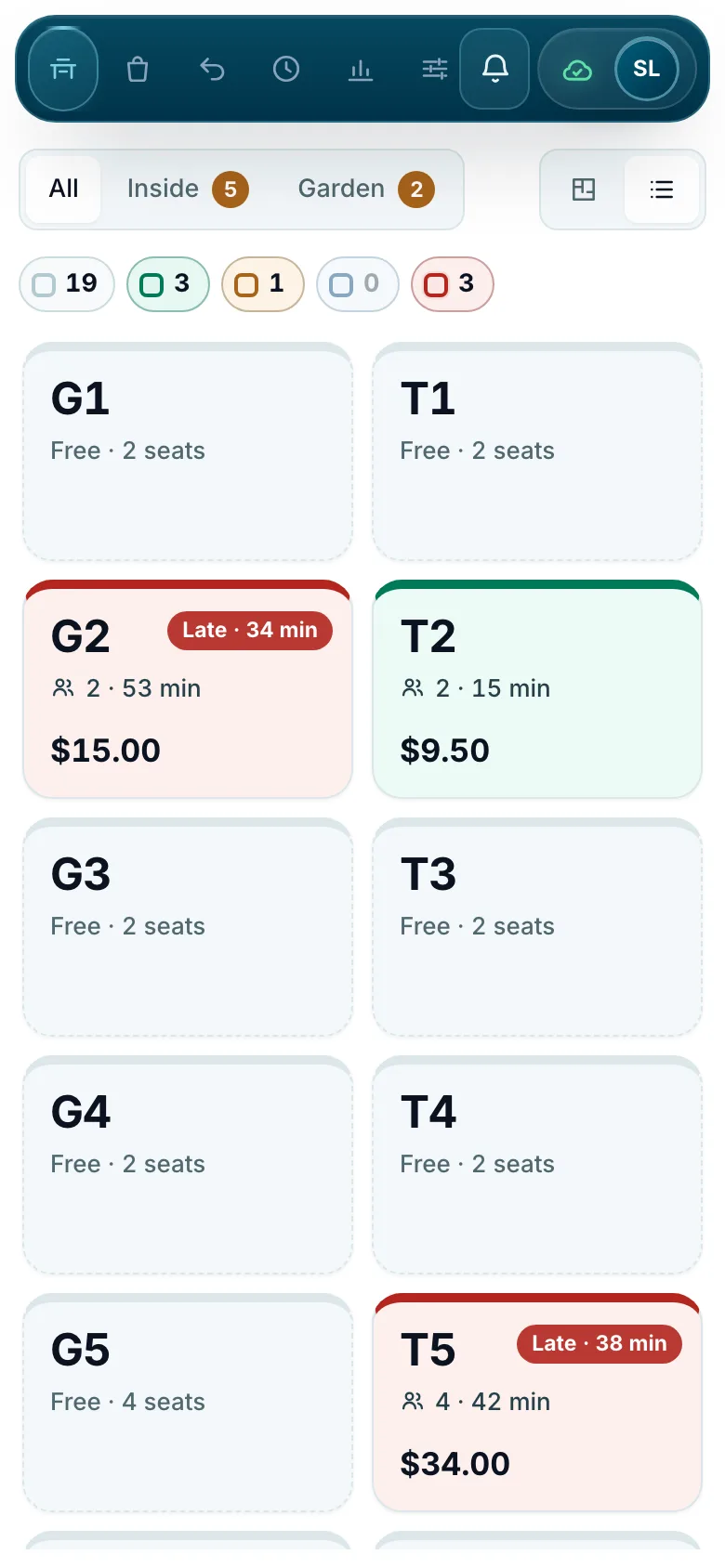
A phone for waiters
The same till on a phone, for taking orders at the table and checking the floor.
- Tables as tiles
- Send rounds to the kitchen
- Works offline like any till
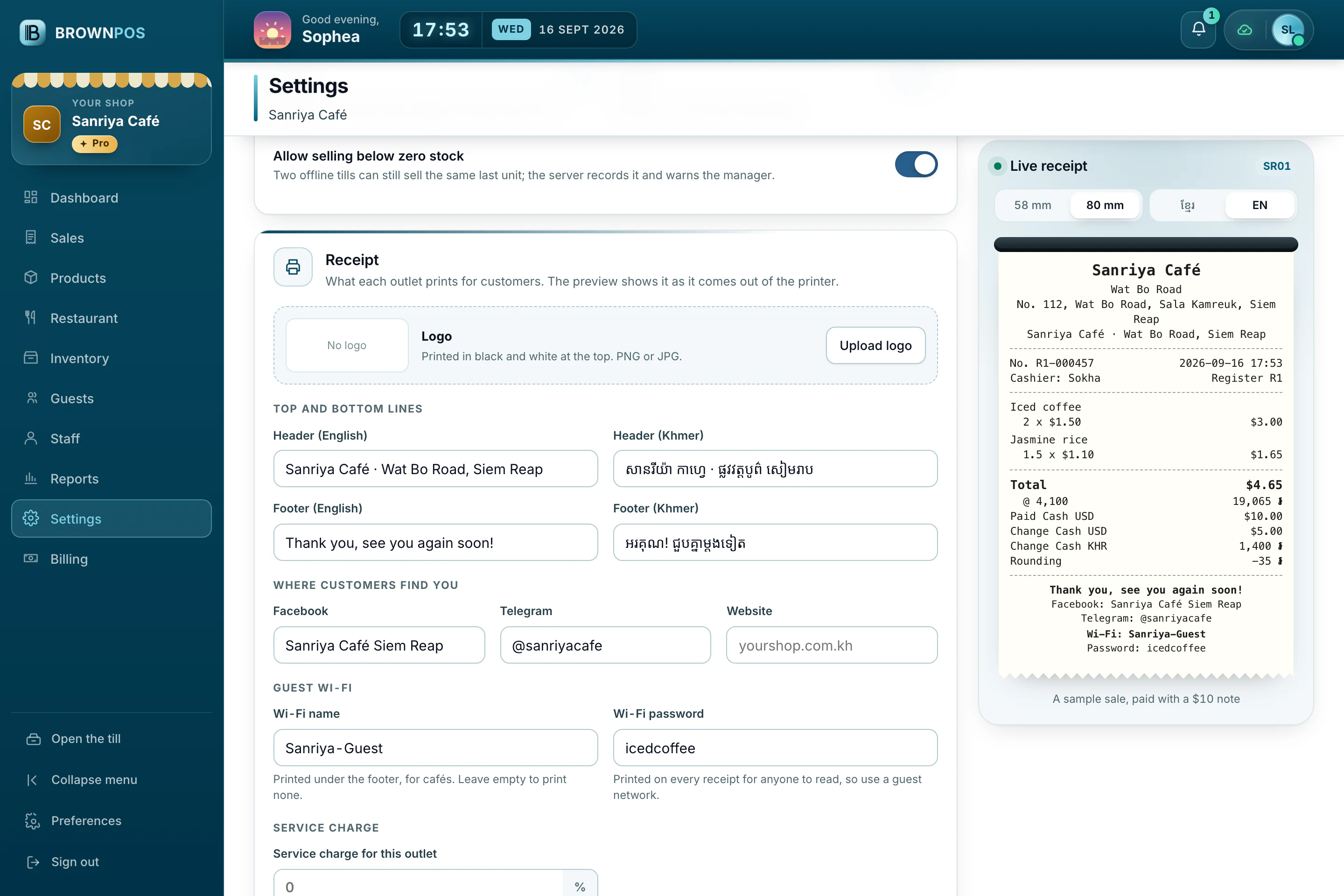
Receipts that read properly
Choose the paper width and see the receipt exactly as it will print, in Khmer or English.
- 58 mm and 80 mm paper
- Your logo and payment QR
- The drawer opens on a cash sale
Opens through the printer
Most cash drawers plug into the receipt printer. BrownPOS opens the drawer on a cash sale, or when you press the button.
- Opens by itself on a cash sale
- A second screen for customers, if you want one
Do I need a fast connection?
No. BrownPOS works with no internet at all and sends everything once it’s back.
Will a phone work?
Yes, but a small screen makes selling slower. A tablet or laptop is easier.
Which receipt printers work?
Thermal printers using 58 mm or 80 mm paper, such as Xprinter, Epson TM-T82 and TM-T88, Rongta and Gprinter. Choose yours in the till’s Settings and the paper and print width are set for you. For other models, a quick width test finds the right setting.
How does the printer connect?
By USB or Bluetooth to a computer running Chrome or Edge, or over your shop’s network using the BrownPOS print bridge.
Will my barcode scanner work?
Almost certainly. Any USB or Bluetooth scanner that types what it reads will work, and you can test it in the till’s Settings.
Can the cash drawer open by itself?
Yes. A drawer connected to the receipt printer opens on every cash sale, and there’s a button to open it by hand.
Can the kitchen have its own printer?
Yes. Each station, such as the kitchen or the bar, can print its own tickets on its own printer.
Do I have to buy hardware from you?
No, you can buy it anywhere. Tell us the model and we’ll tell you if it works.
Do I need a special till machine?
No. BrownPOS runs in the browser on a computer, a tablet or a phone you already have. For a USB or Bluetooth printer, use Chrome or Edge on a computer; over the shop’s network any device can print through the BrownPOS print bridge.
Can one shop have several tills?
Yes. Each device pairs to its own register with a code from the back office, and they share the same products and customers. Your package sets how many devices you may pair, and a till that is replaced carries on its register’s receipt numbers.
The tablet and printer you already have are probably enough
BrownPOS runs in the browser on the device you already own and keeps selling when the internet doesn’t. Tell us your model and we’ll give you a straight answer, or book a demo and try it on your own device.