Everyone signs in and sees only what they need
Each person has a PIN for the till and a role in the back office. Discounts, voids and refunds follow that role, and risky actions need a manager’s approval first.
Set up in plain words, not codes
Roles from job positions
Start from General manager, Shift manager, Cashier, Waiter, Kitchen, Stock keeper or Accountant, tick what fits your shop, and save it as your own.
A manager’s approval
A big discount, a void or a refund can ask for a manager’s PIN on the spot, and the sale records who approved it.
Alerts on Telegram
Voids, big discounts and a shift that closes short can be sent to the owner’s phone as they happen.
Who was at the till, and when
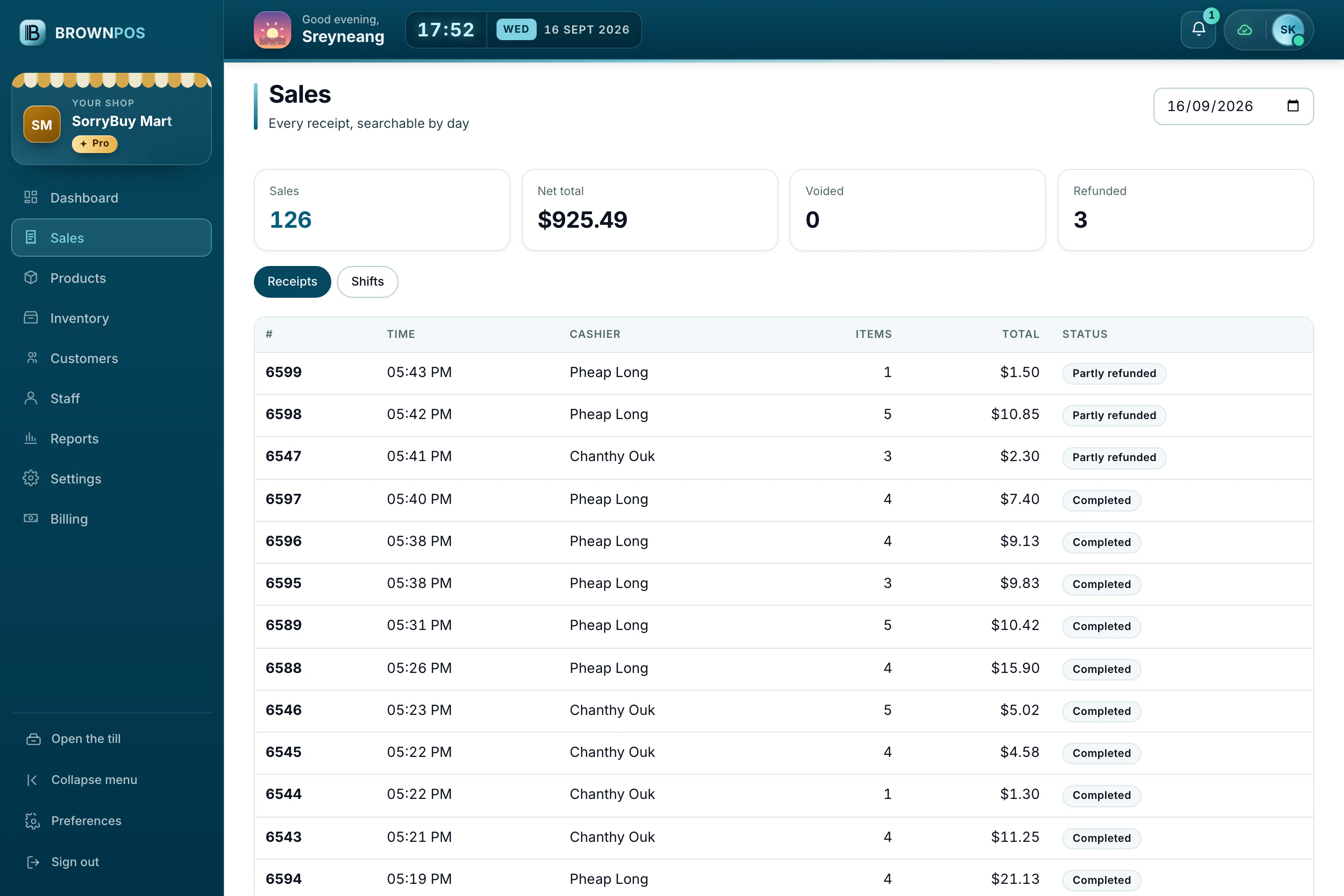
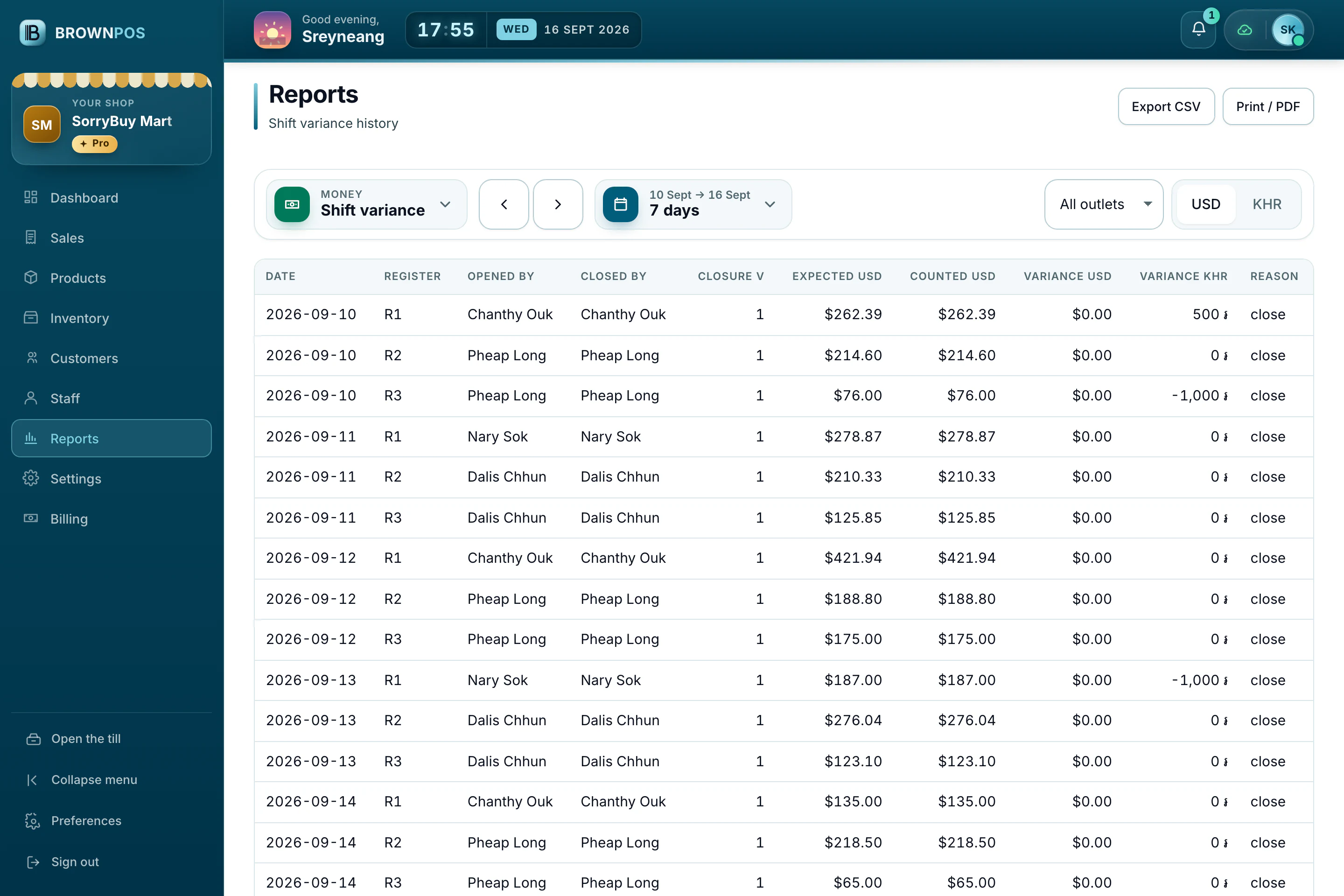
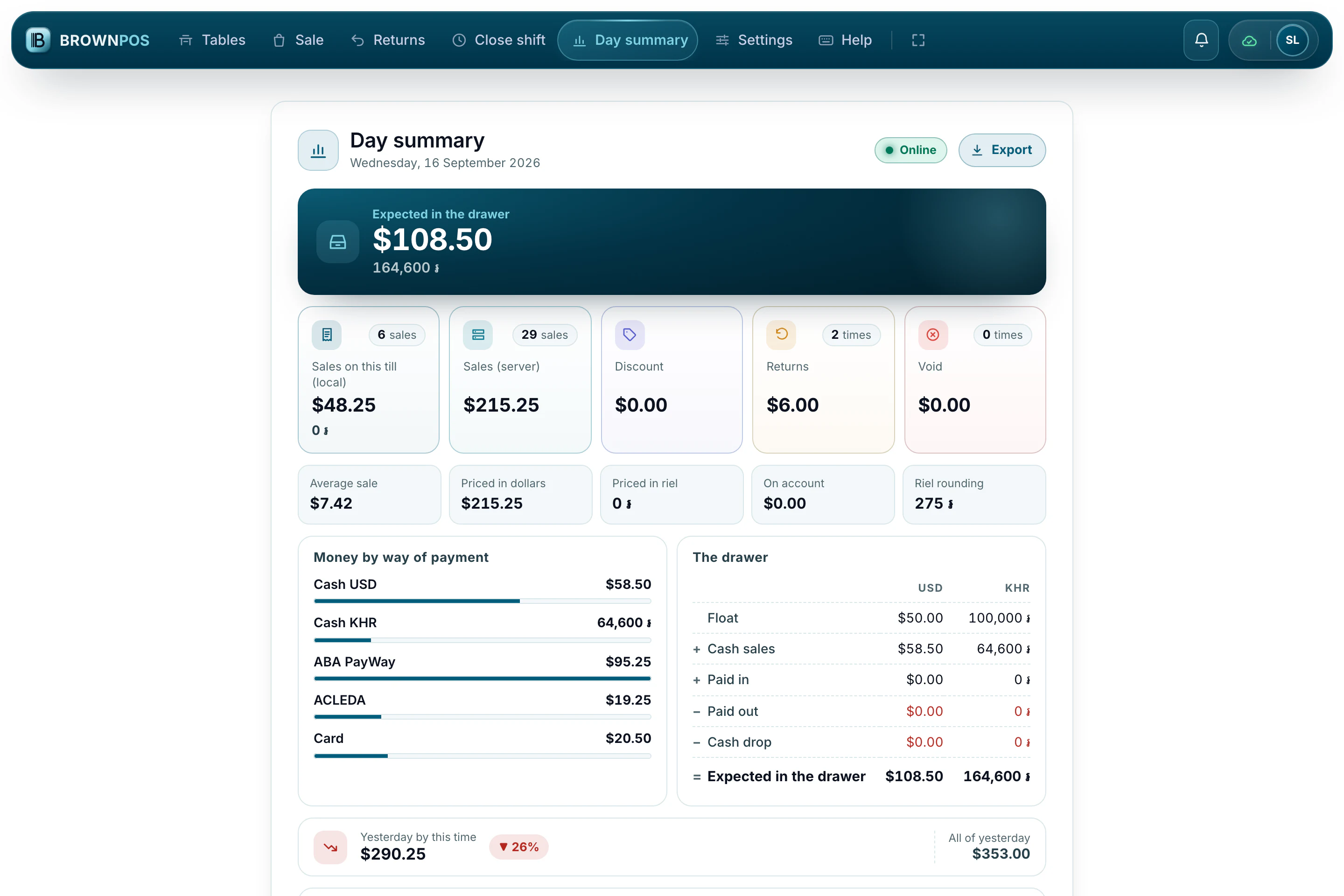
Every sale shows who made it, every table shows its waiter, and each shift is counted and closed at the end.
- Sign-ins and sign-outs for each person
- The cash count at closing, with any difference recorded
- An activity log of every change made in the back office
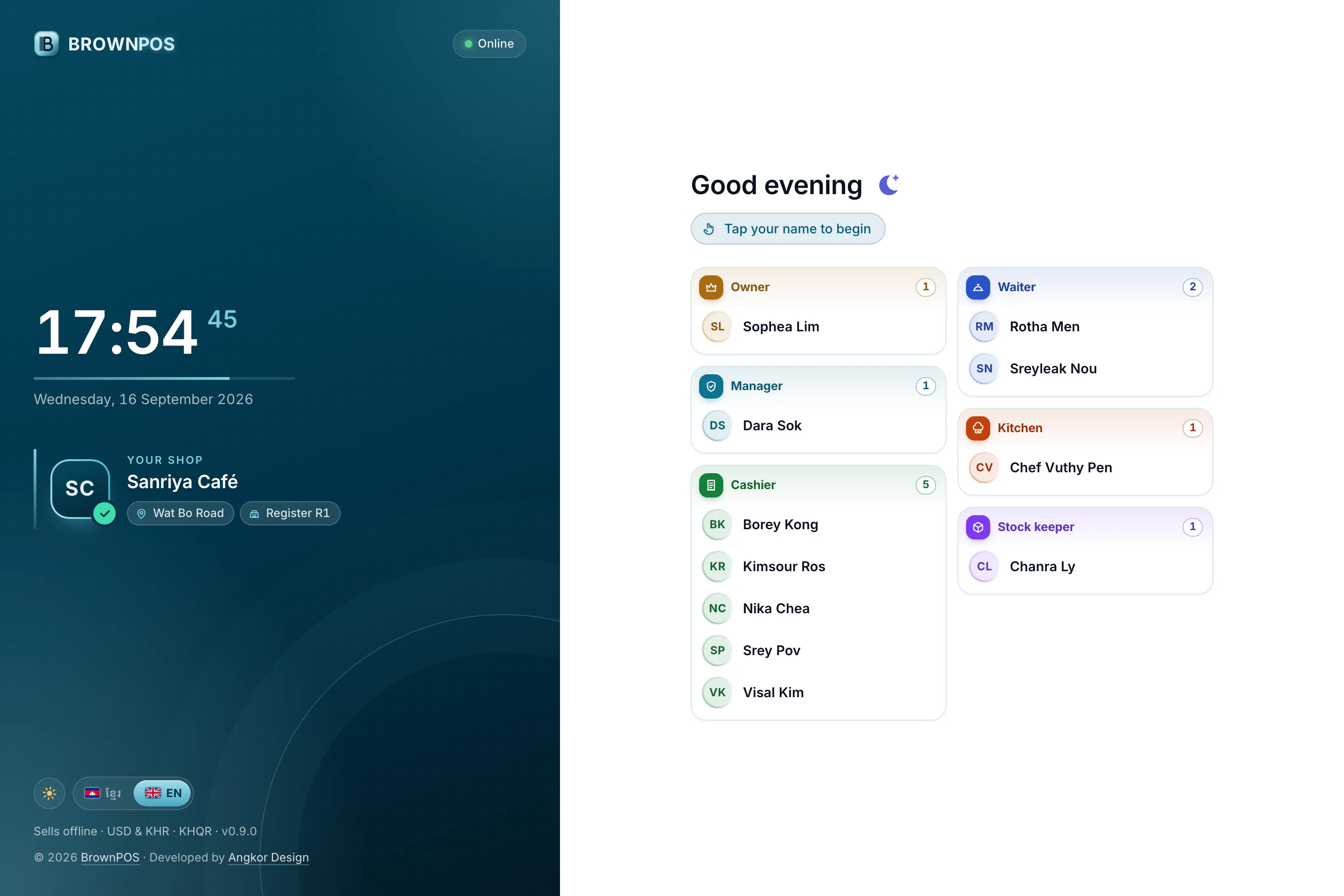
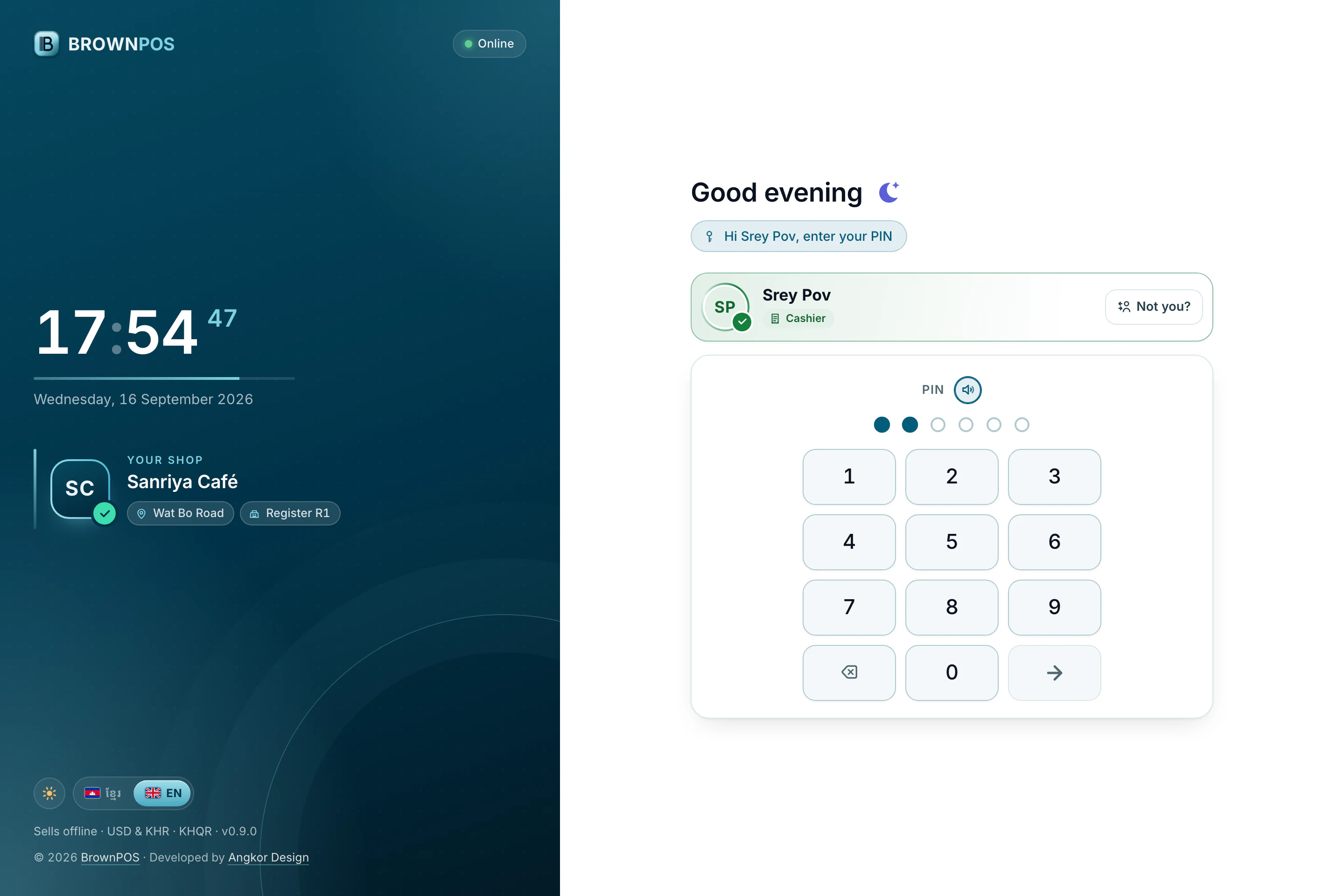
The till lists the team grouped by what they do, so each person finds their own name at once.
Give every person their own PIN
We’ll show you how roles and PINs work during the demo.