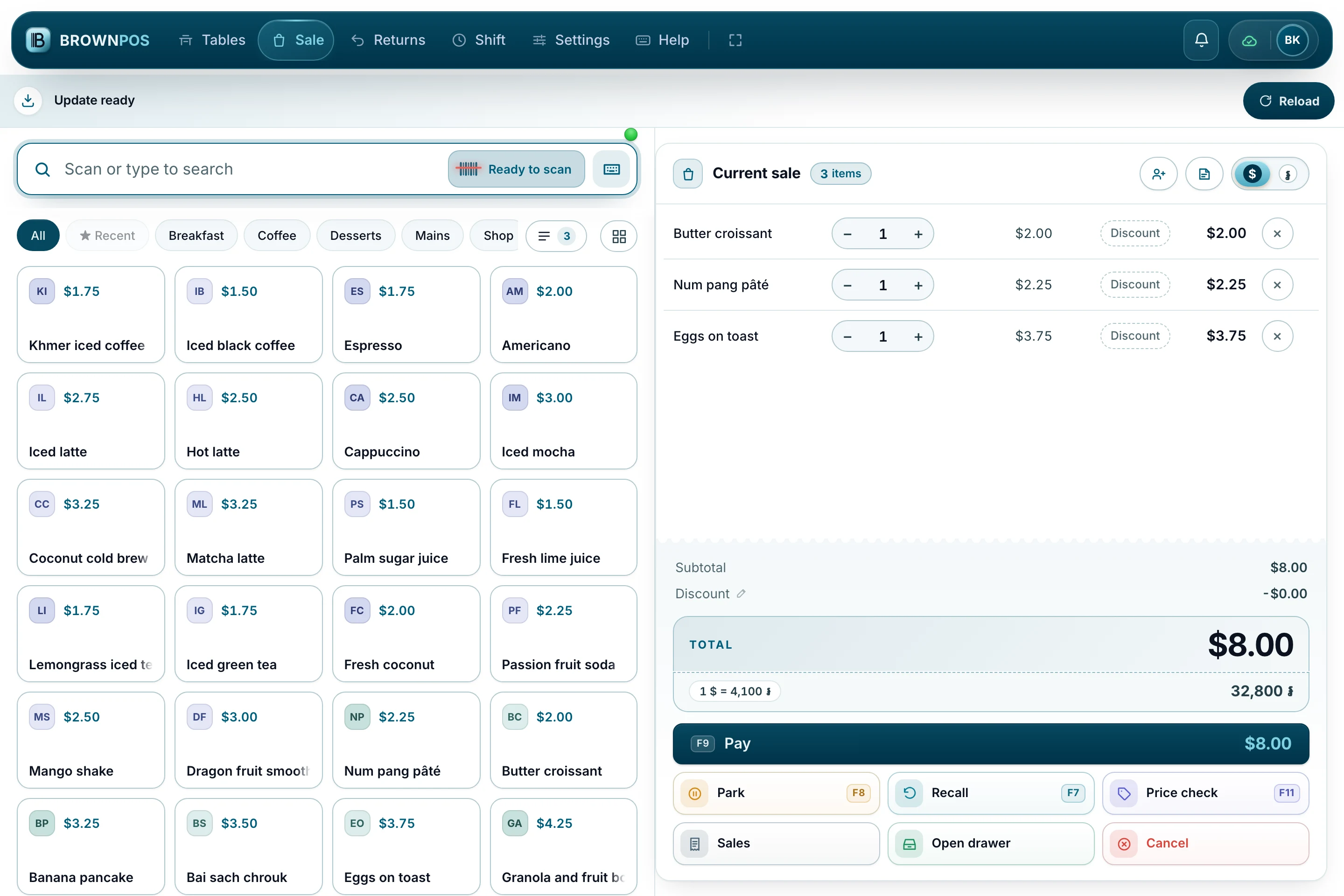
If you work a counter, you look at the same screen all day, and after a week your hand knows where every button is without looking. So when something new appears on it with six people in the queue, it has about one second to explain itself.
BrownPOS keeps itself up to date. A new version downloads quietly in the background while you serve, and nothing on the screen changes until you say so. When it is ready, one strip appears under the header: a download mark, the words Update ready, and a Reload button.
It waits for the sale in front of you
A till is not a website. Reloading in the middle of a sale would take the basket with it, along with the customer standing at the counter and the amount half-typed into the keypad.
So the till never reloads on its own. It finishes the download and then waits — through the rest of that sale, through the next one, through the rest of the shift if that is how long it takes. The strip stays where it is until someone presses Reload. When they do, the new version is already on the device, so the till comes back in a moment rather than going off to fetch anything.
It belongs to the screen it is on
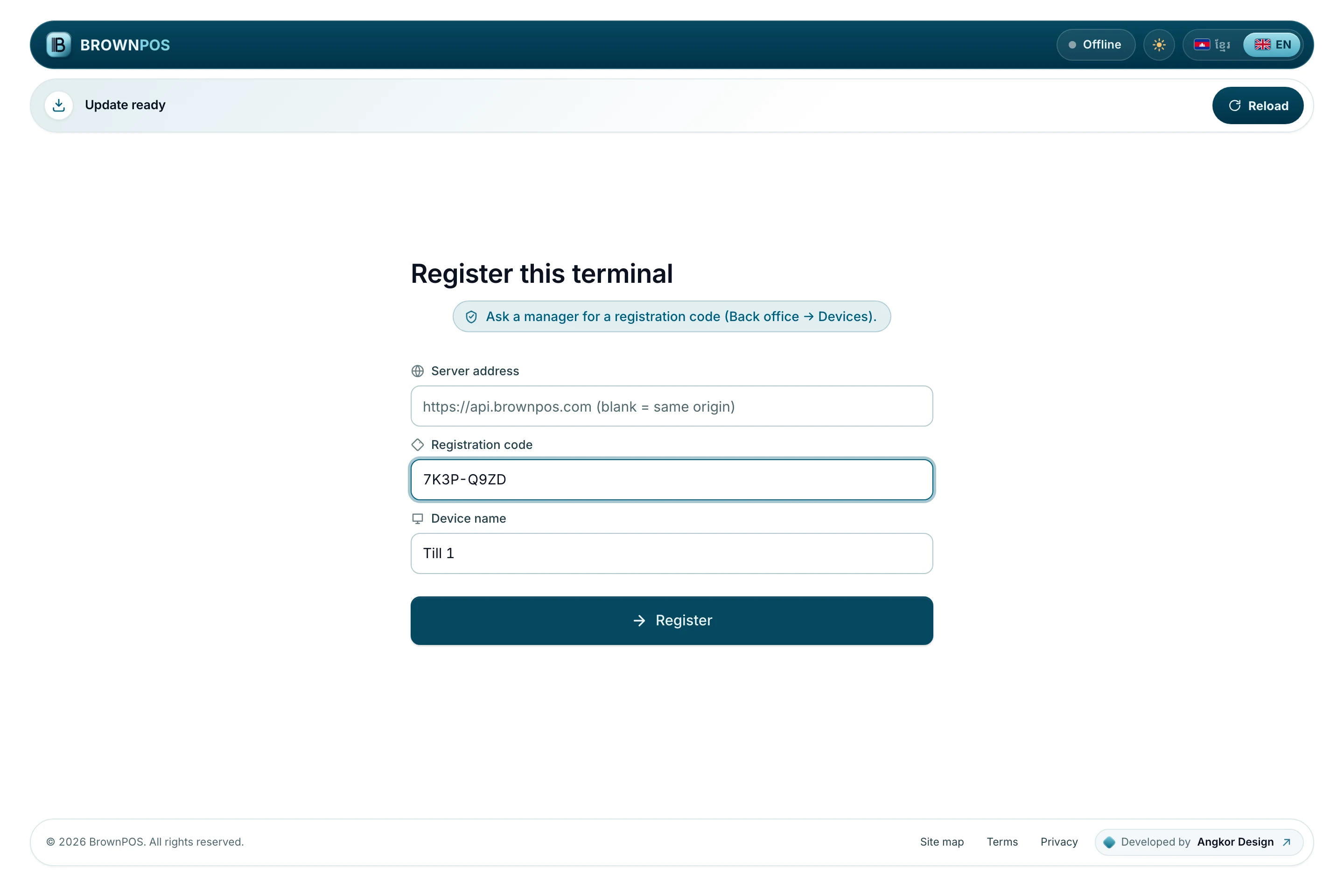
The strip does not have a shape of its own. It takes the shape of the bar above it. On the screen where a new till registers itself, where the header is rounded and stands in from the edges, the strip is rounded and stands in to the same width. On a till that is signed in and selling, where the header runs right across, so does the strip.
The two can never disagree, on any screen, at any size.
A button a thumb can find
On the left there is a download mark in a round chip with one slow ring going out from it, and the words beside it. On the right, Reload is a full-size button with a refresh mark on it.
It is full-size because this is the one notice in the whole till that asks to be tapped, and it will be tapped by someone halfway through serving a customer, on a screen they are already touching all day.
Two things move, and both are slow on purpose: a soft light that drifts across now and then, passing behind the words rather than over them, and the ring around the download mark. An update that has finished downloading is good news. It should not behave like an alarm. If the device is set to reduce motion, neither of them moves at all.
What it means at the counter
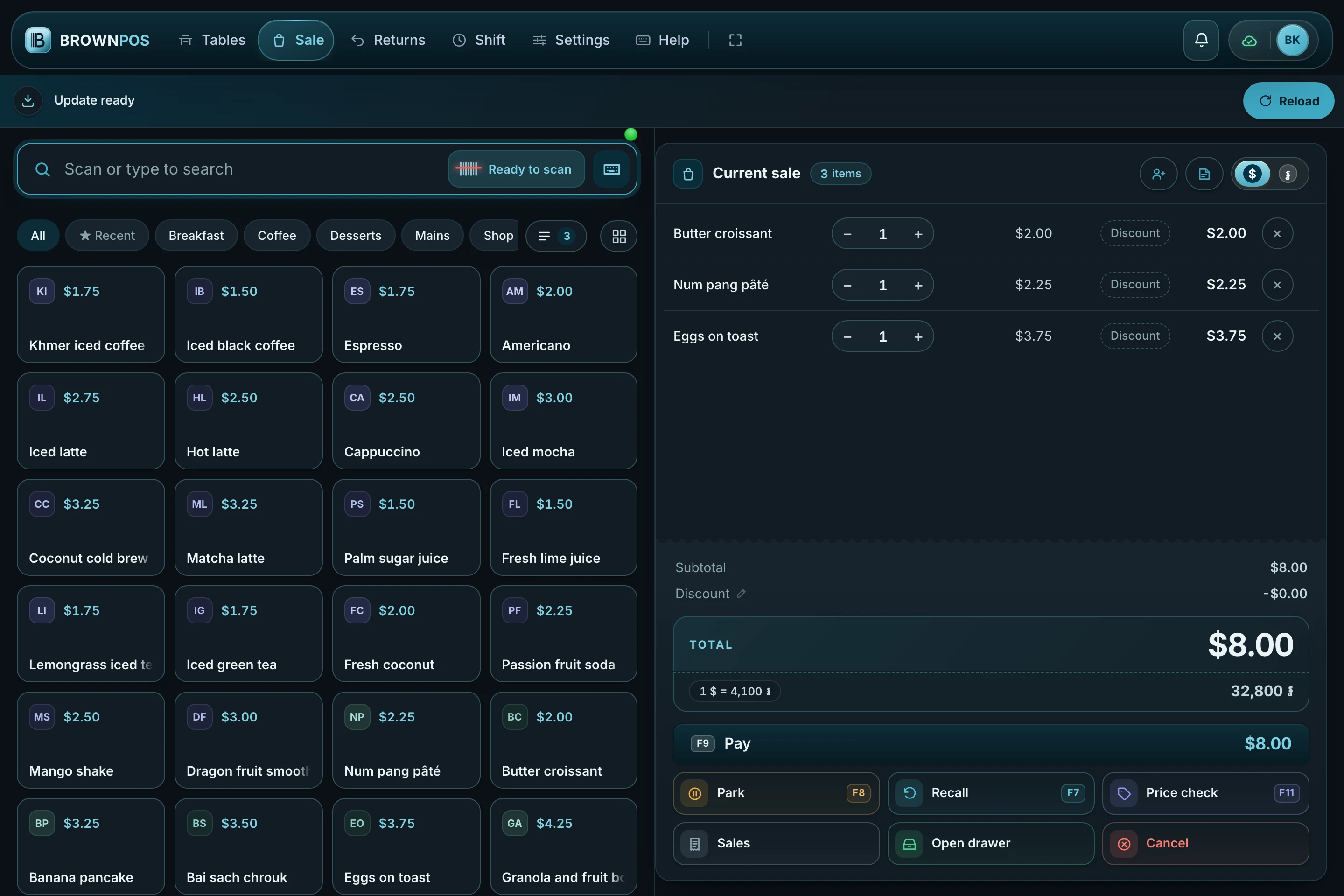
The strip reads the same in Khmer as it does in English, and it looks the same whether your cashiers run the till light or dark.
Next time your till tells you an update is waiting: finish the sale you are on, then press Reload.
If you would like to see the till for yourself — including what it does when the internet drops in the middle of a sale — ask us for a demo and we will walk you through it.