Add a product and its barcode
Add products in the back office and they reach the till by themselves. Once a product has a barcode, your staff never have to search for it.
Adding one
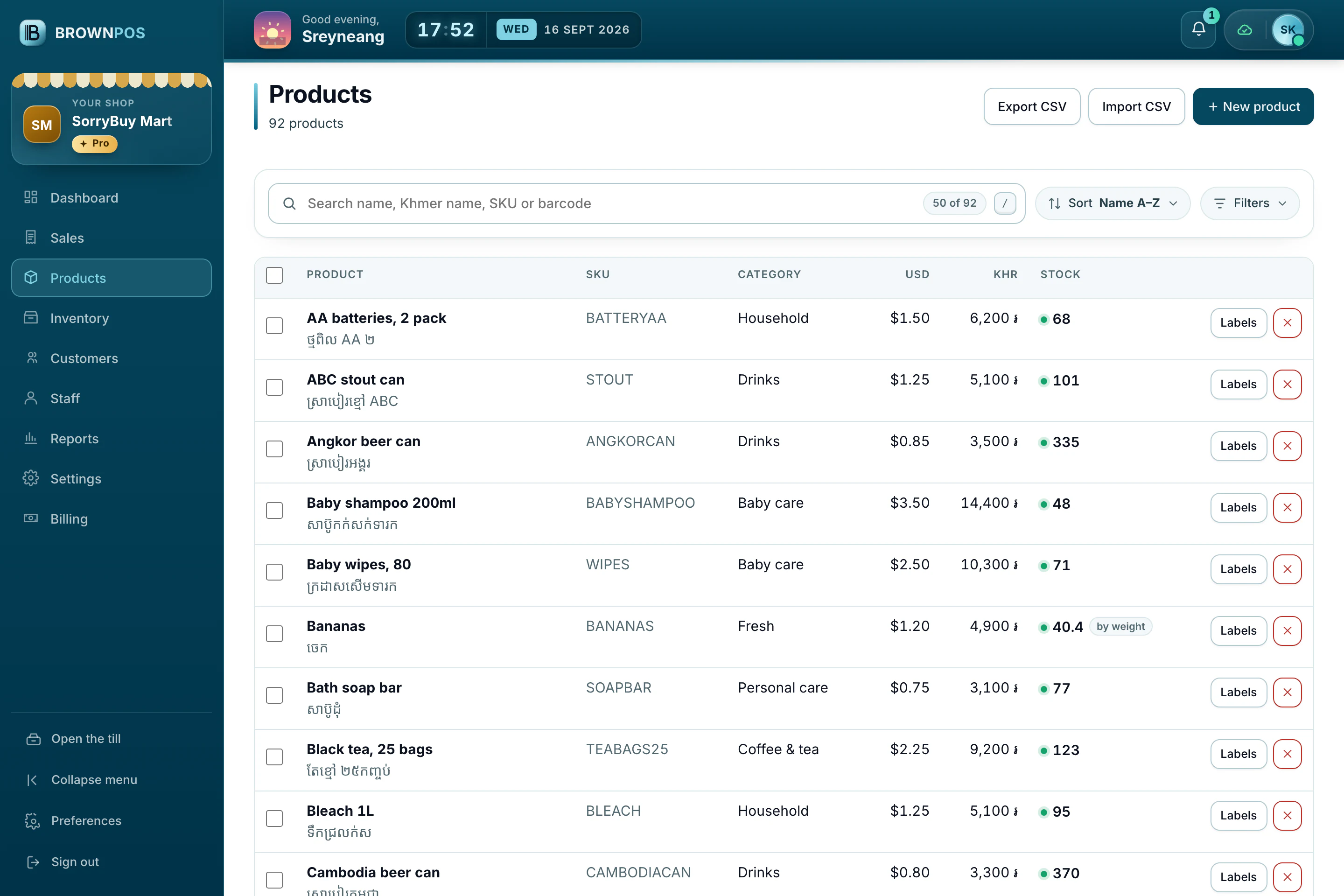
- Open Back office › Products and press New product.
- Fill in the name, price and category. If it has a barcode, scan it straight into the barcode box.
- Save. The till picks it up shortly after, with nothing to restart.
Things with no barcode
For bread, coffee or fruit, BrownPOS can create your shop’s own barcode and print it as a label at the right size, so cashiers scan instead of searching.