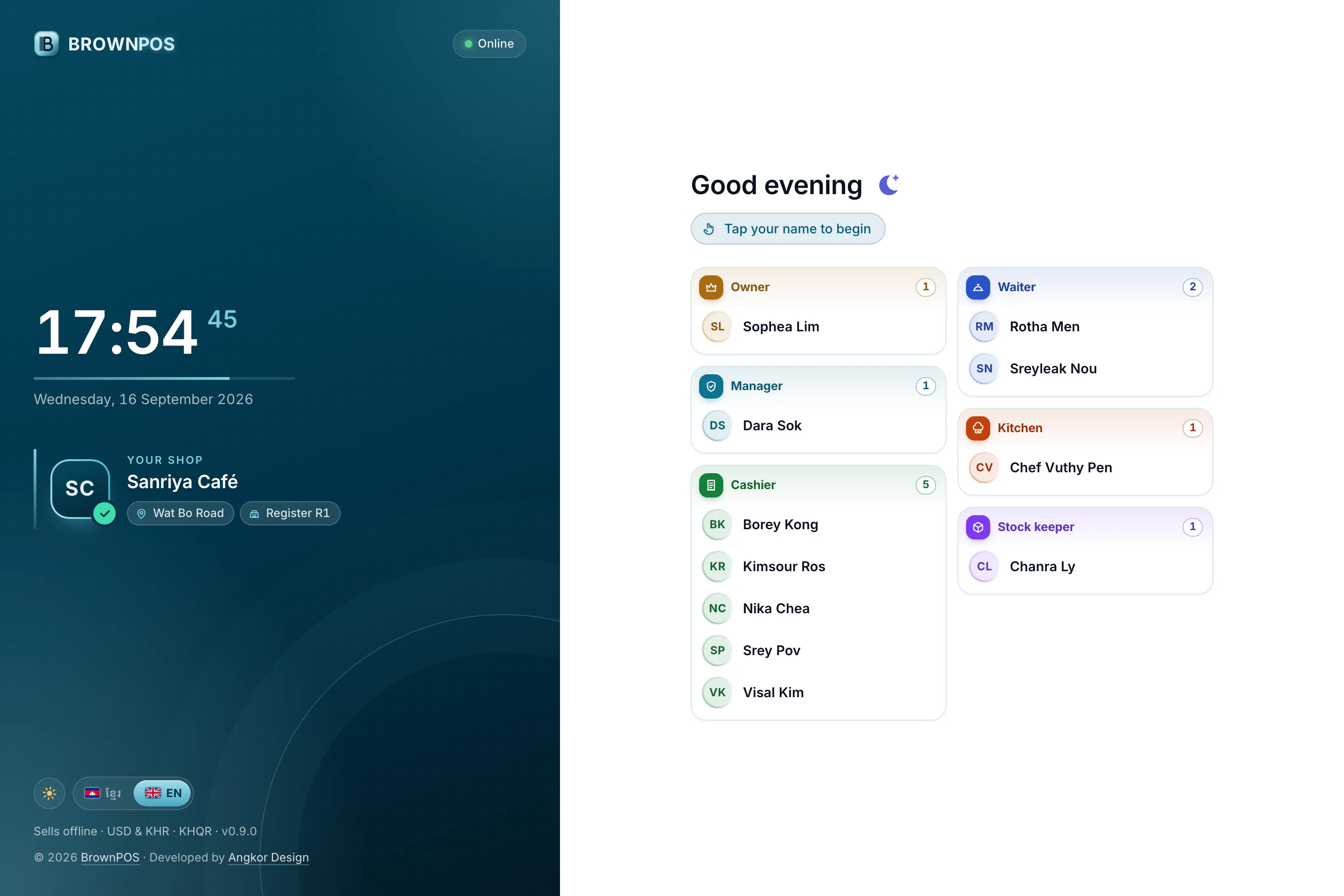
Give each person on your staff their own PIN
Everyone who uses the till signs in as themselves, so every sale, discount and void has a name on it.
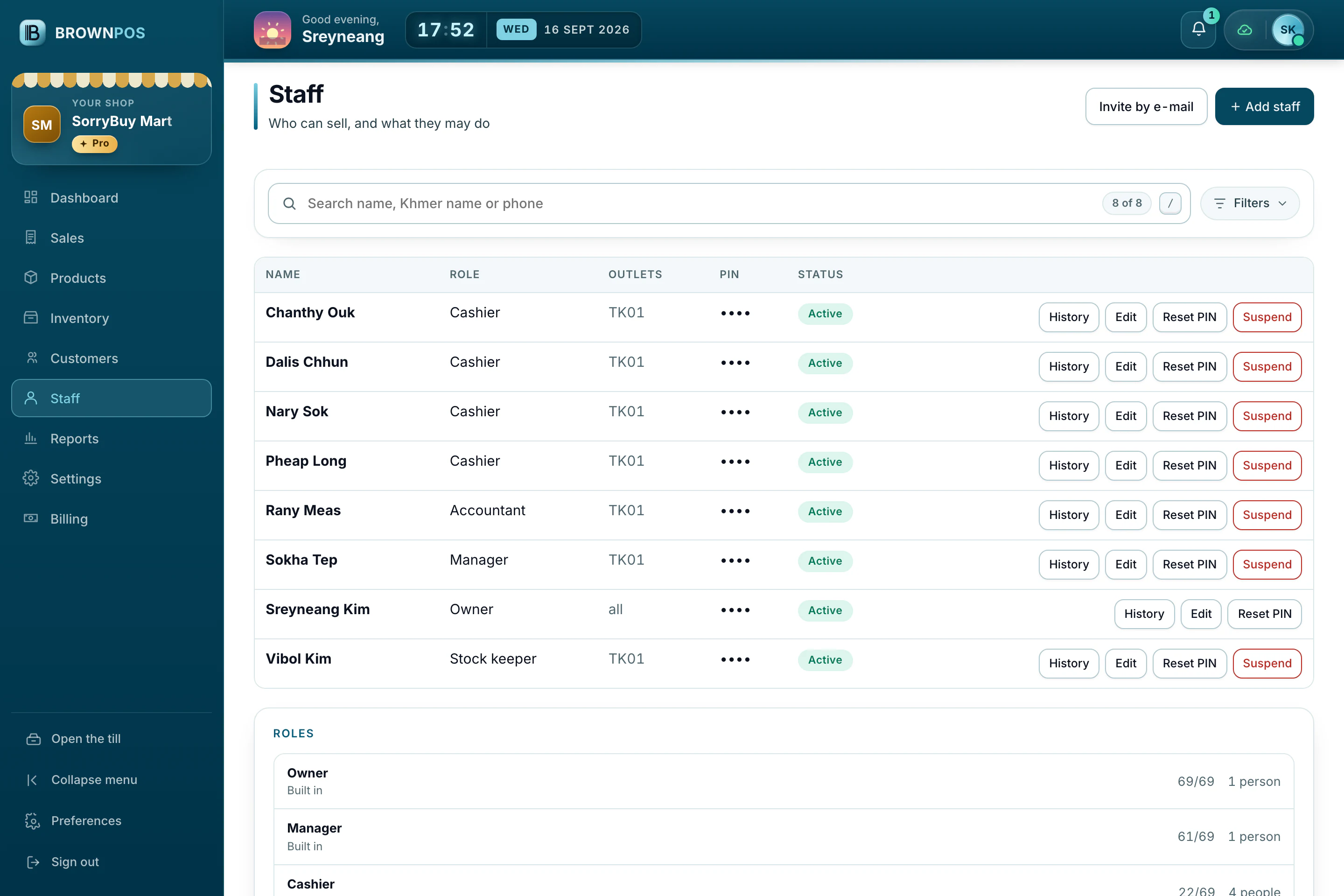
Add a person
It takes a minute, and it means you will always know who did what at the counter.
- In the back office, open Staff and press Add staff.
- Write their name and choose their Role. Pick the outlets they work at, or leave them all unticked for every outlet.
- Give them a PIN of 4 to 6 digits and press Save.
At the till
They pick their own name on the sign-in screen and type their PIN. People are grouped by what they do, with owners and managers first, so even a big team is quick to find.