Close the shift and read the day
At the end of the day, count the drawer again and close the shift. Any difference between what’s there and what should be there is shown clearly.
Closing
- Press F4 and choose Close shift.
- Count the drawer and type in the two amounts.
- BrownPOS shows what it expected and any difference. Confirm to close.
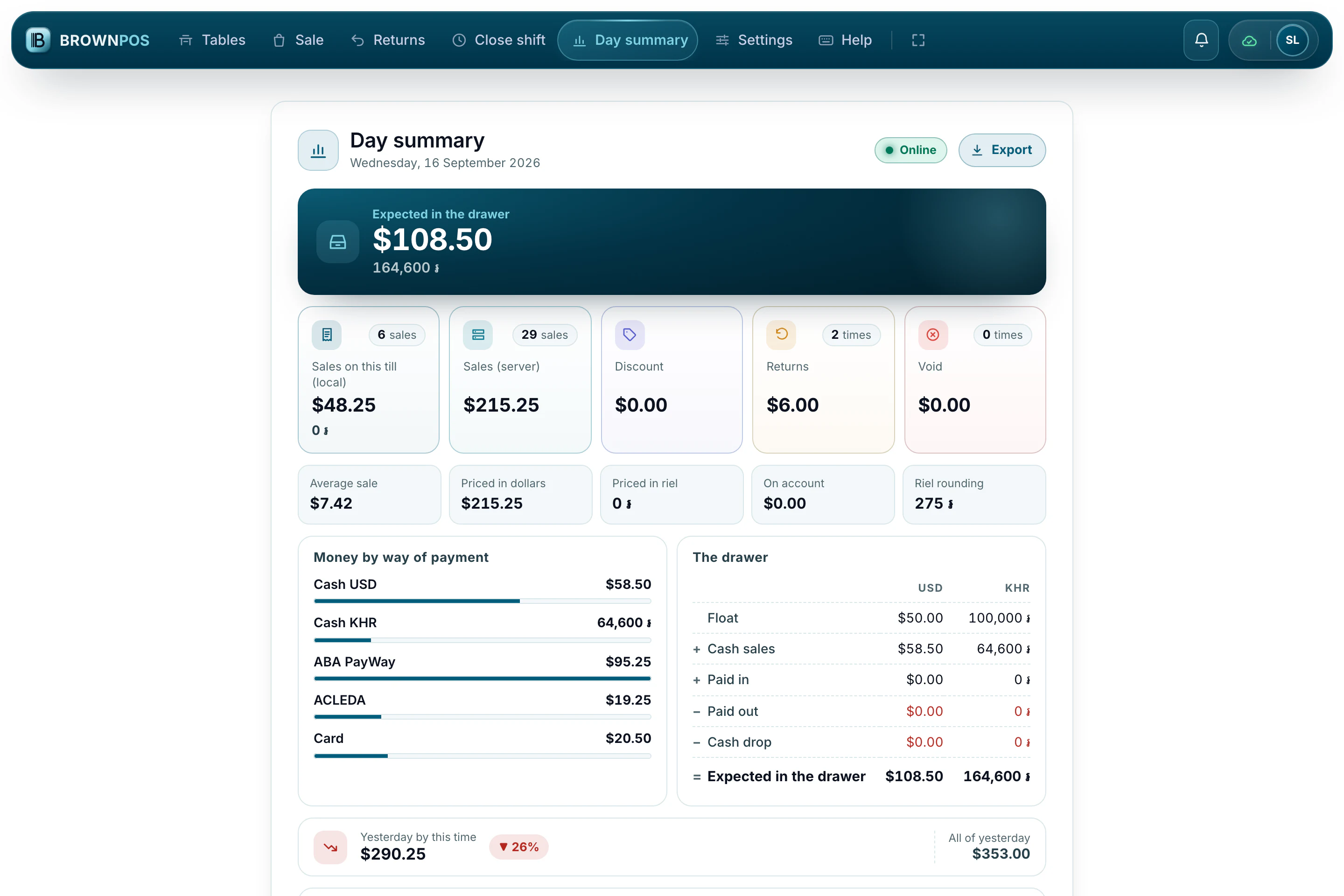
The day summary
F6 shows the day’s sales by hour, top items, each cashier’s total, how customers paid, what was returned and anything still waiting to send. You can save it as a JPG or PDF. The business day follows your branch’s own clock.