Count your stock, and order from your suppliers
Put the shelves and the system back in agreement, and order what is running low.
Count the stock
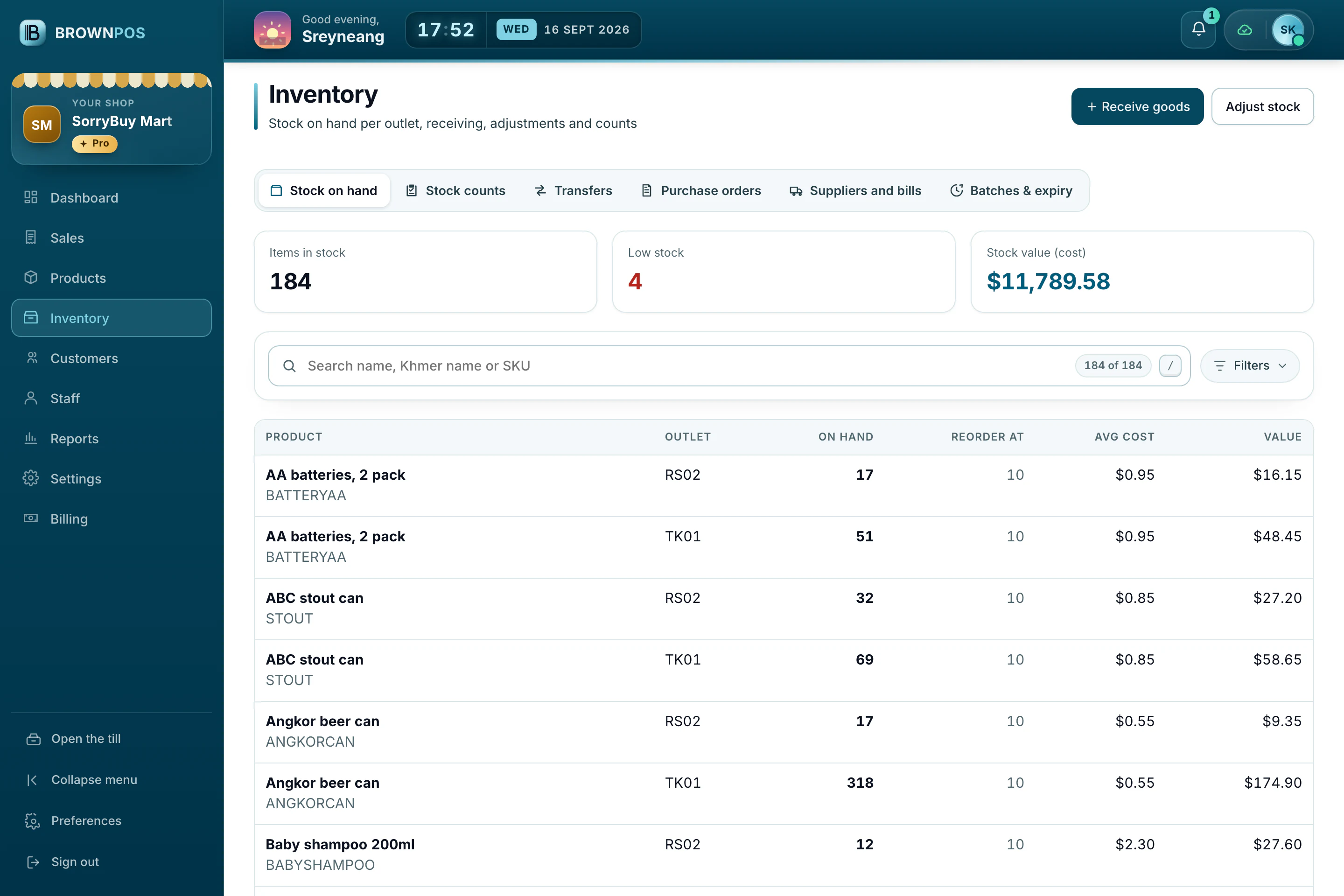
- In the back office, open Inventory and choose Stock counts.
- Start a count and enter what is really on the shelf.
- Finish the count to put every difference right in one step.
Order from a supplier
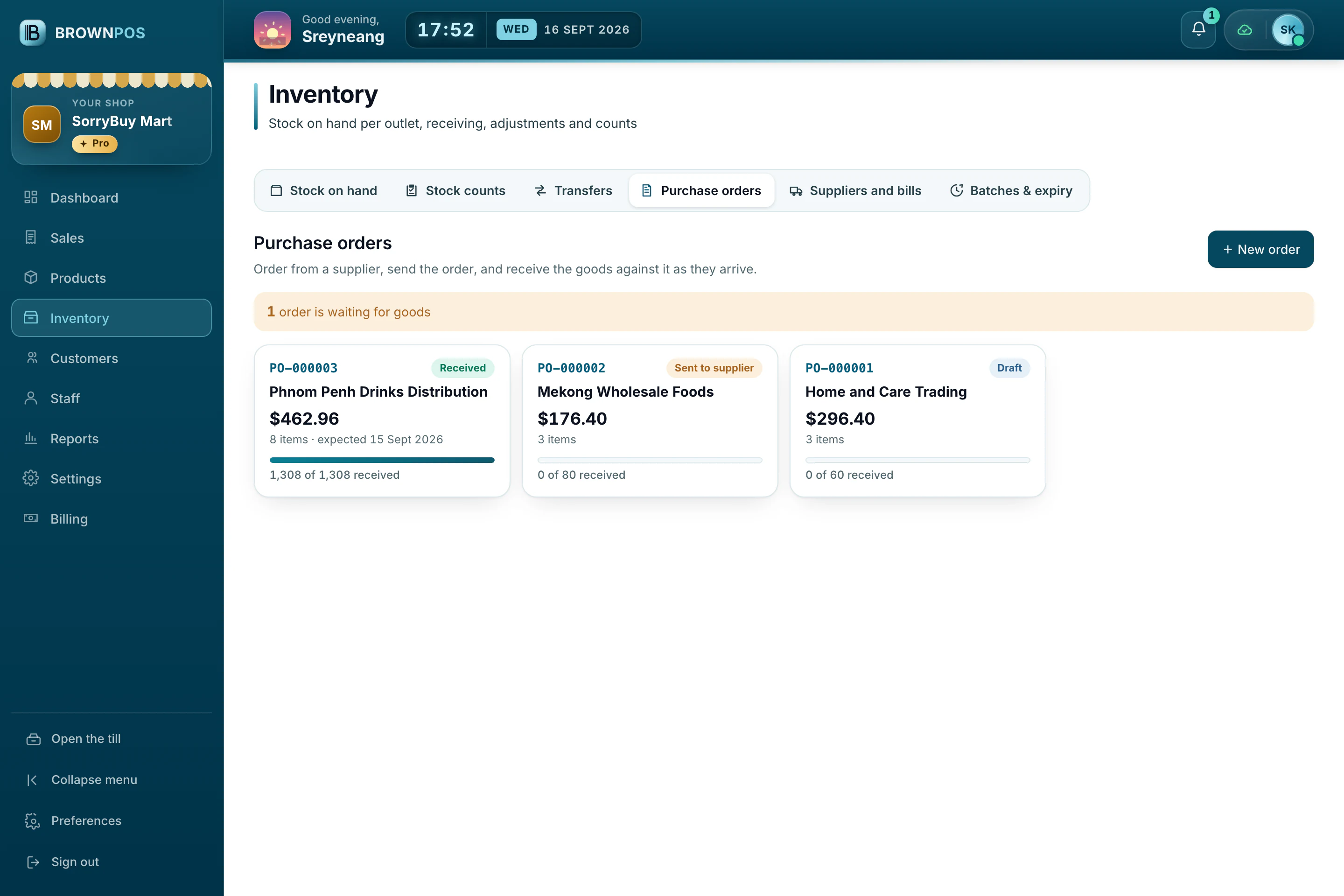
Under Purchase orders, order from a supplier and, when the delivery comes, receive the goods against that order. Stock goes up by what really arrived.