The receipt printer will not print
Work through this list. Nine times out of ten, the problem is the paper, the cable or the wrong printer selected, not the till.
In order
- Is there paper, and is it the right way round? Thermal paper only prints on one side.
- Is the lid closed properly? Most printers won’t print with it open.
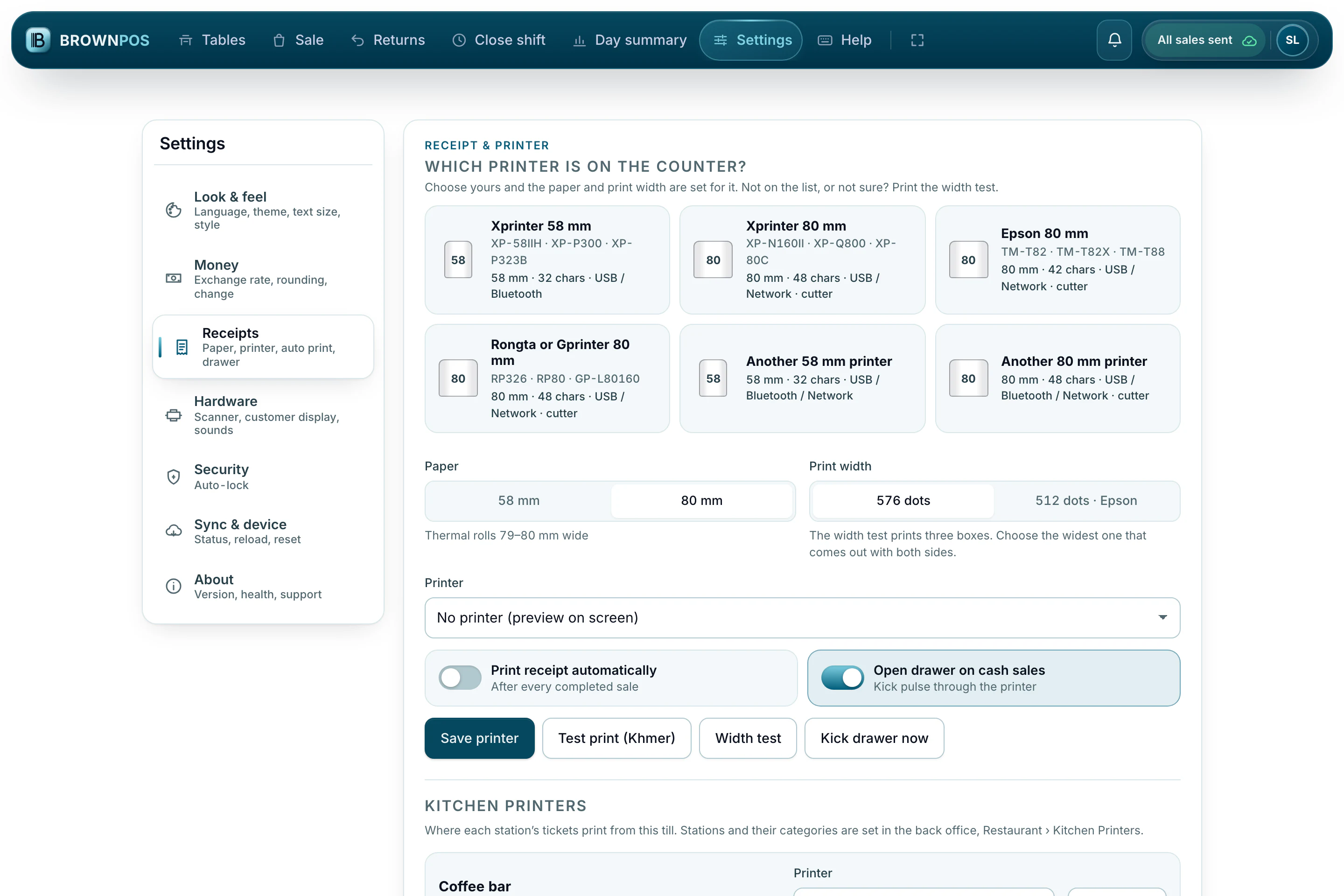
- Open F10 Settings › Receipts and press Test print.
- If the test prints but receipts don’t, check that the paper width (58 mm or 80 mm) matches your printer.