Split a bill, or merge two tables
Let a table pay in parts, each part its own sale, or bring two tables’ orders together into one.
Split the bill
- On the Tables screen, open the table.
- Press Split bill.
- Choose By items, Equal shares or By amount.
- Take payment for each part. Every part is a sale of its own, with its own receipt.
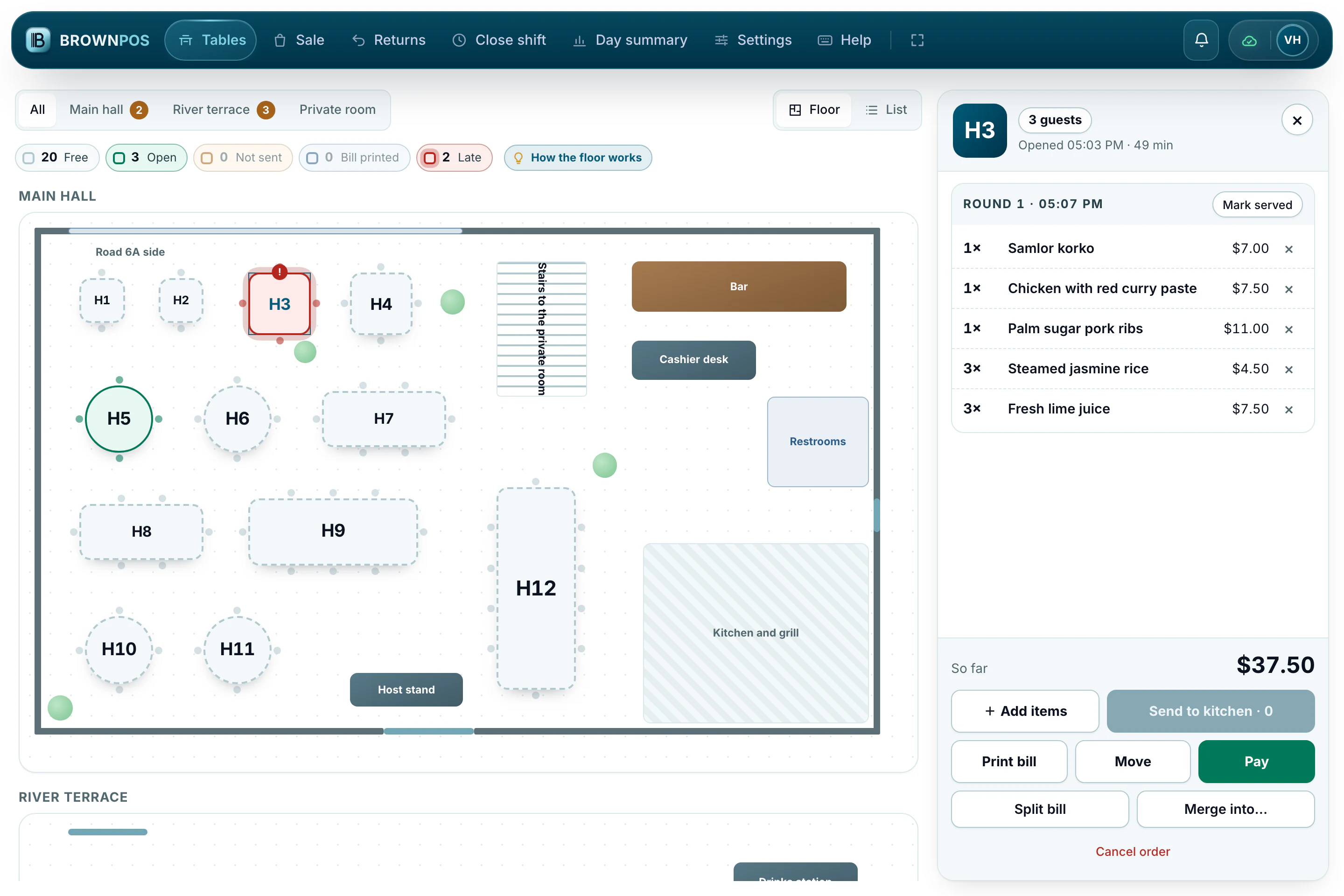
Merge two tables
When a group moves to sit together, open one of the tables and press Merge into…, then pick the table they joined. The order goes with them.