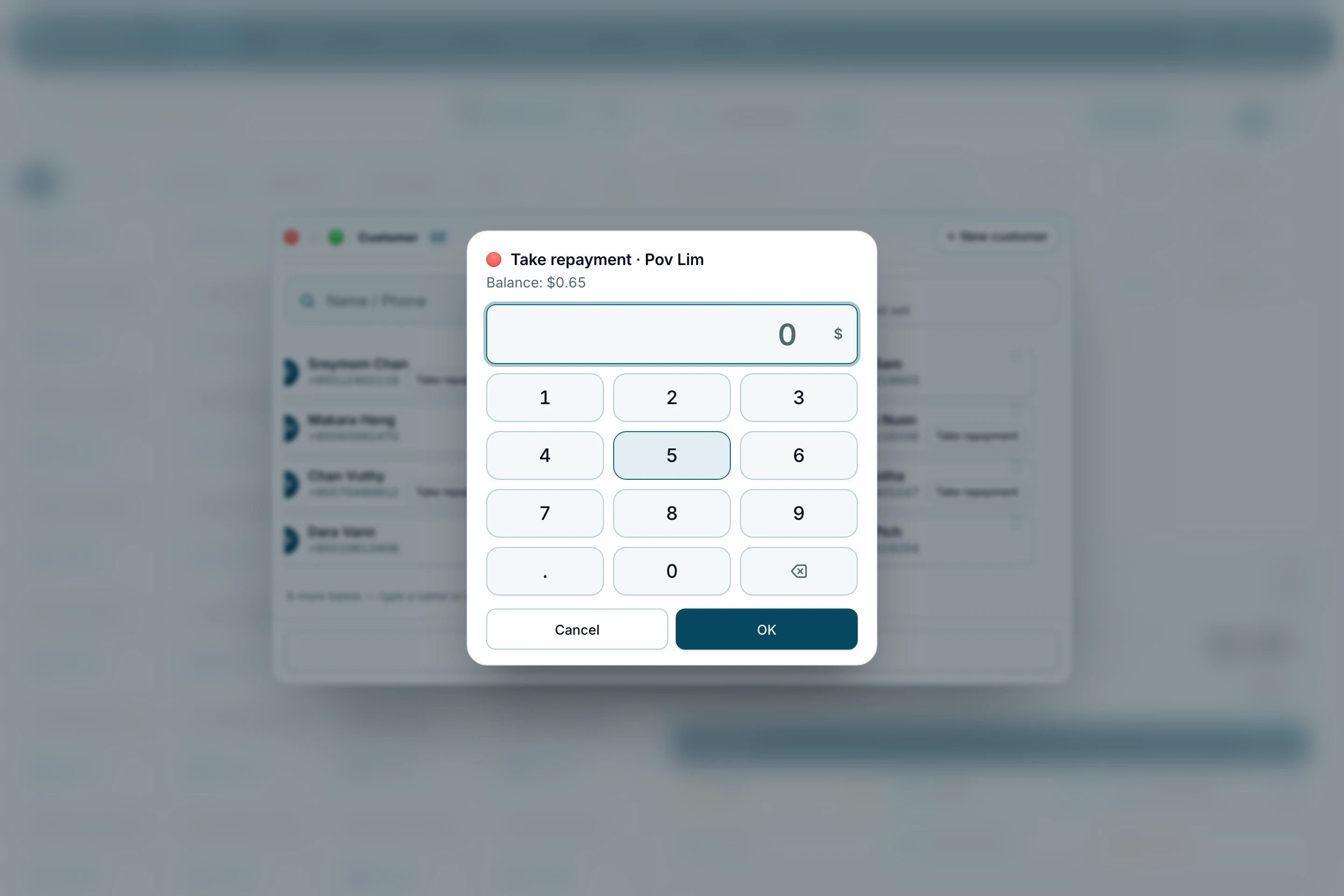
Sell on account, and take a repayment later
Let a regular customer pay later, up to a limit you set, and record what they bring back without making a sale.
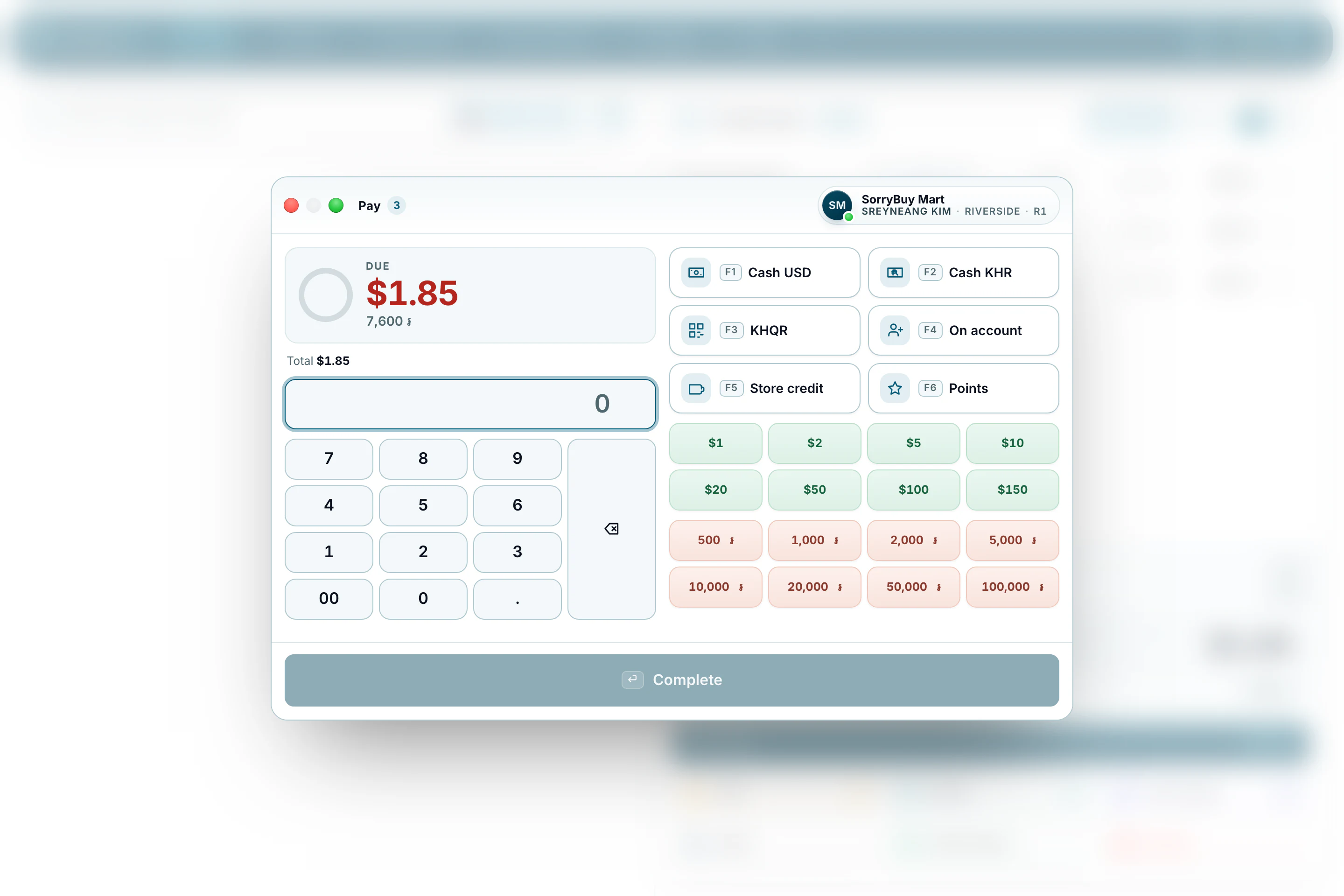
Sell on account
- Put the customer on the sale with the customer button beside the sale.
- Press Pay and choose On account.
- If the sale would take them over their credit limit, a manager has to approve it.
Take a repayment
Open the customer list at the till. Anyone who owes the shop has Take repayment beside their name; what they owe is shown above the keypad, so you only type what they hand over.