Take a KHQR payment
Choose KHQR when you take payment and let the customer scan. Once the payment is confirmed, the receipt prints like any other sale.
At the payment screen
- Press F9 to open payment.
- Choose KHQR as the way of paying.
- The customer scans the code and pays in their banking app.
- The sale finishes once the payment is confirmed, and the receipt prints.
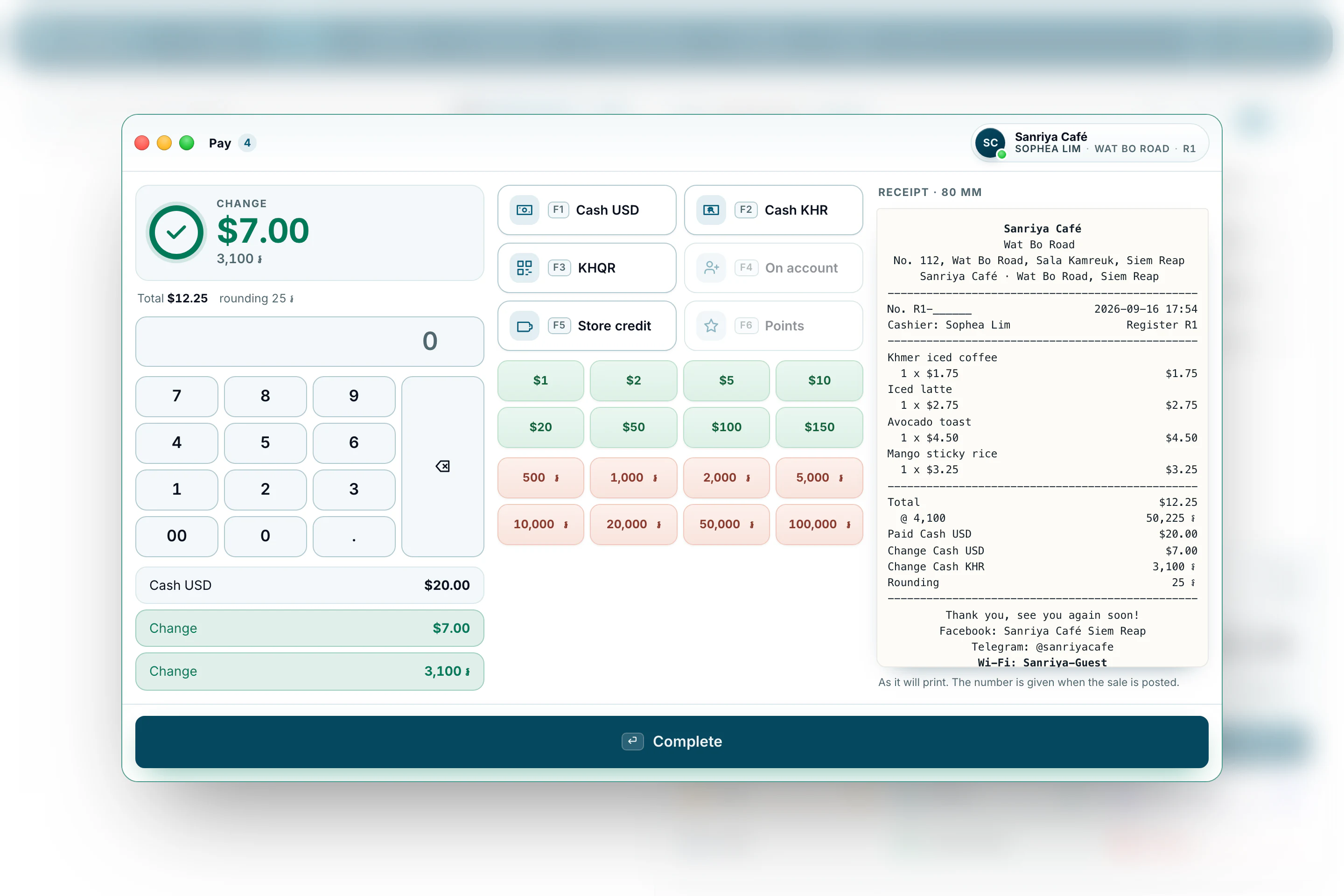
Dollars and riel
The receipt shows the total in both currencies at your shop’s rate. You can take a mix of the two, and the change is worked out in the currency you choose.