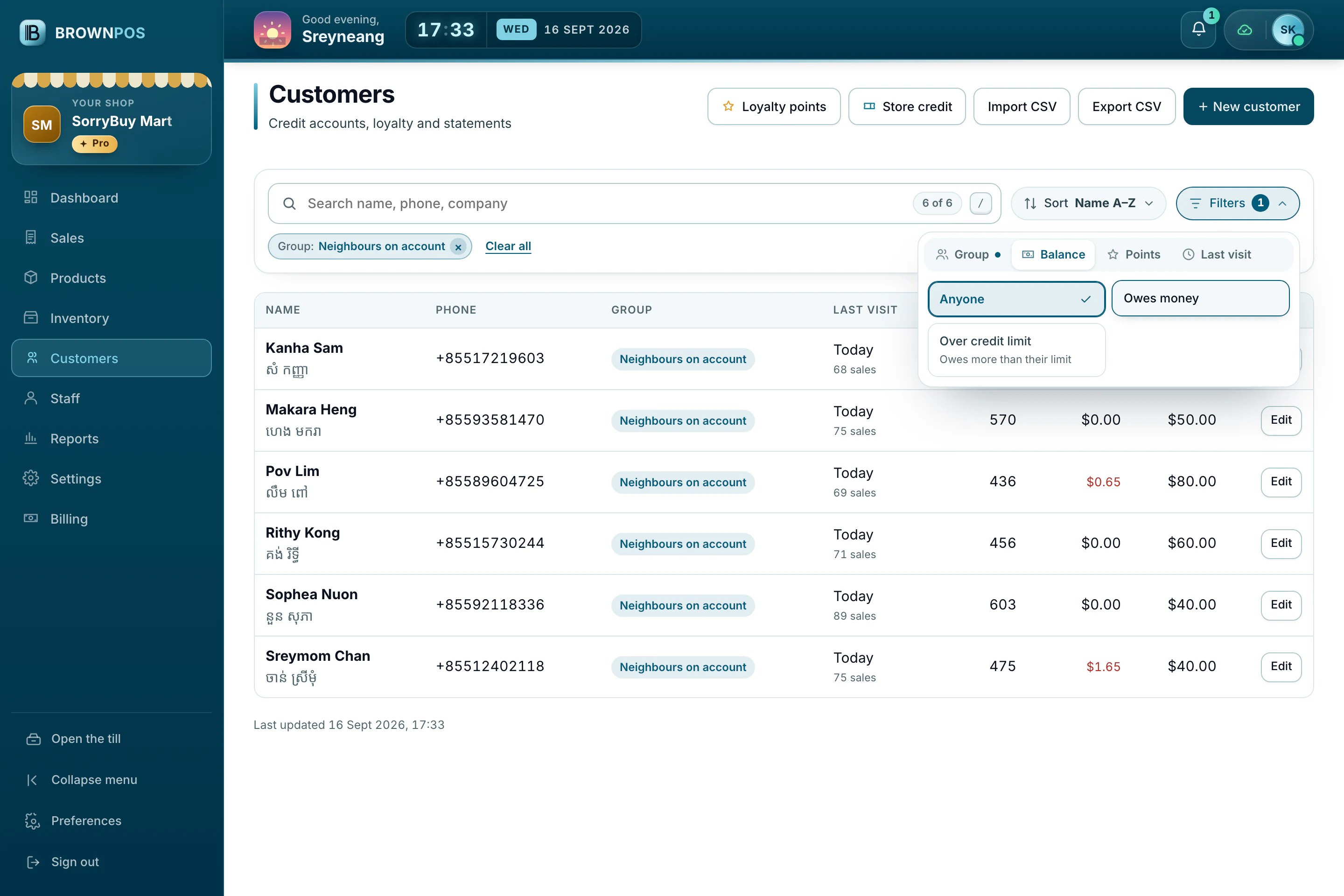
Find who owes money, or who hasn’t visited
The customer list searches as you type and narrows down in a click.
Search and filter
- In the back office, open Customers. Search by name, phone or company.
- Filter by Group, Balance, Points or Last visit, such as everyone who owes money, or who has not bought for 90 days.
- Sort by name, who owes most, latest visit or most points.