Give store credit, and let customers spend it
Give a voucher as a gift or instead of cash back, and always know what is left on it.
Issue a voucher
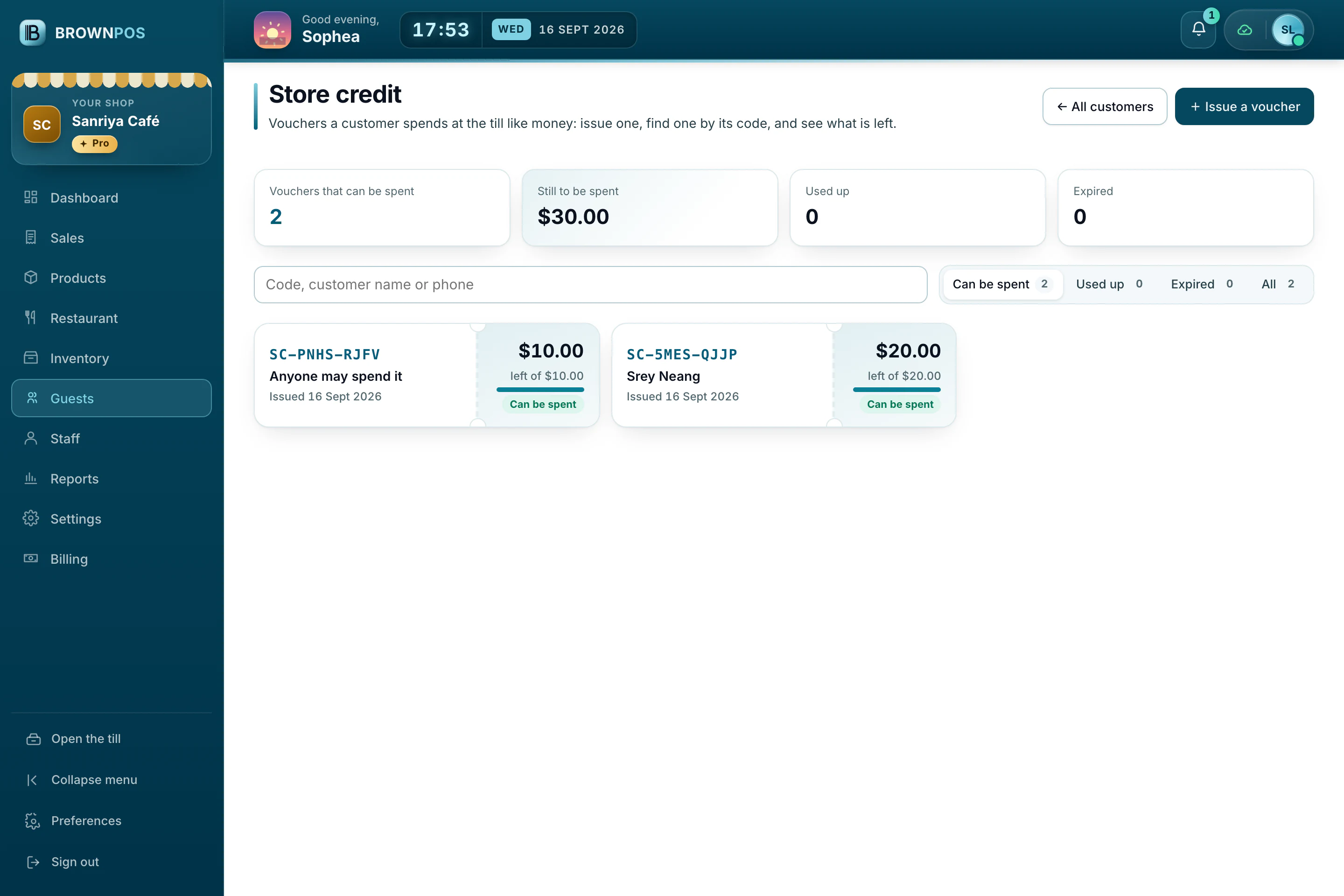
- In the back office, open Customers and press Store credit.
- Press Issue a voucher, for anyone or for one customer, and give them its code.
Spend it at the till
Press Pay, choose Store credit and type the voucher’s code. What is left stays on the voucher for next time.