See your package, pay an invoice, or ask for a change
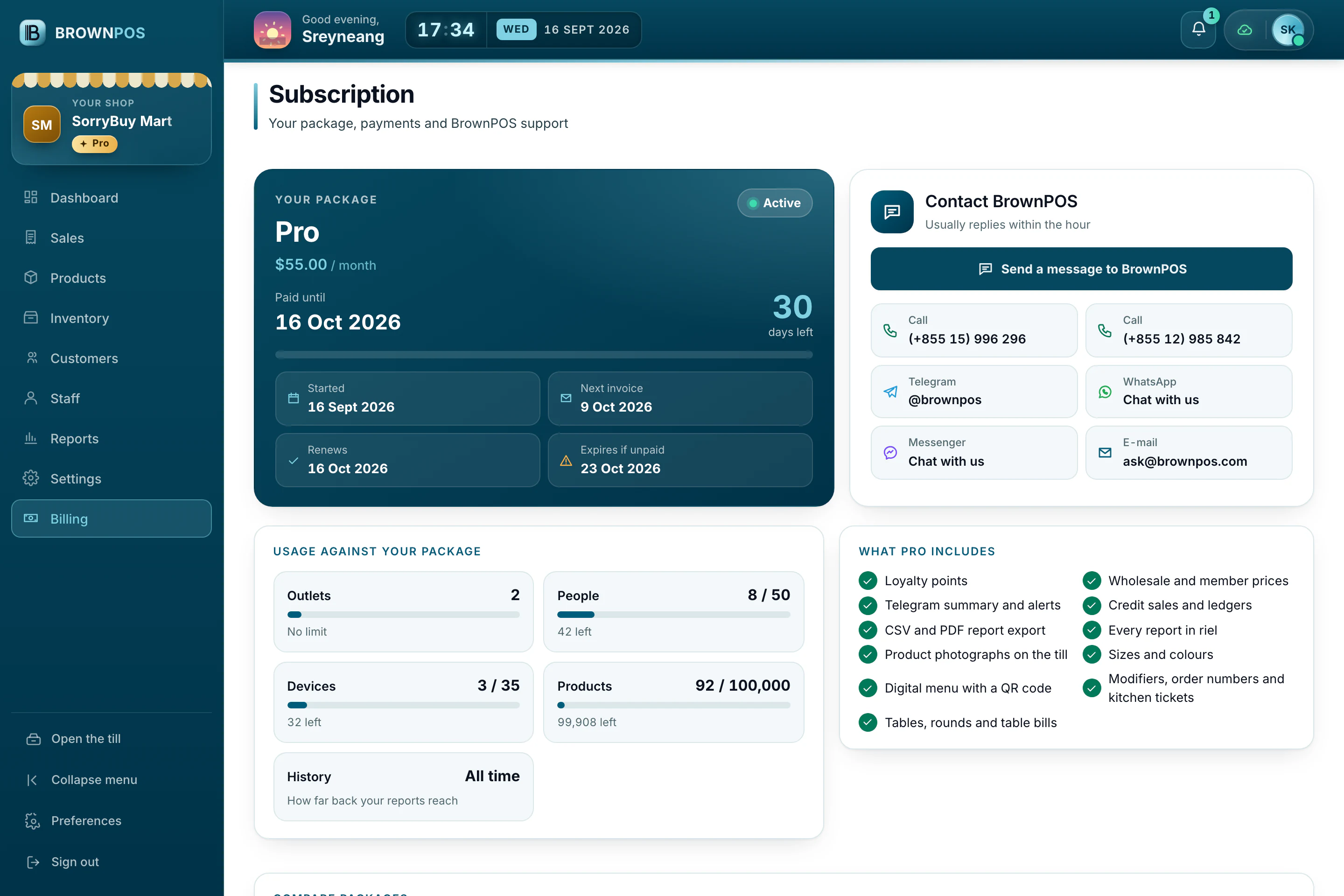
The Subscription page shows your package, what you have used, your invoices and every way to reach us.
What you will find
Open Billing in the back office. At the top is your package, the day it is paid until, and how much of your outlets, people, devices and products you are using.
Pay an invoice
- Open the invoice and press Pay this invoice.
- Scan the KHQR with your banking app, or send a bank transfer and then its reference.
Change your package
Packages are changed by the BrownPOS team, so nothing changes on your bill by accident. Press Send a message to BrownPOS and tell us what you need; we will answer in Khmer or English.