Print your own payment QR on bills and receipts
Customers can scan to pay straight from the bill or the receipt, with the QR from your own bank app.
Set it up
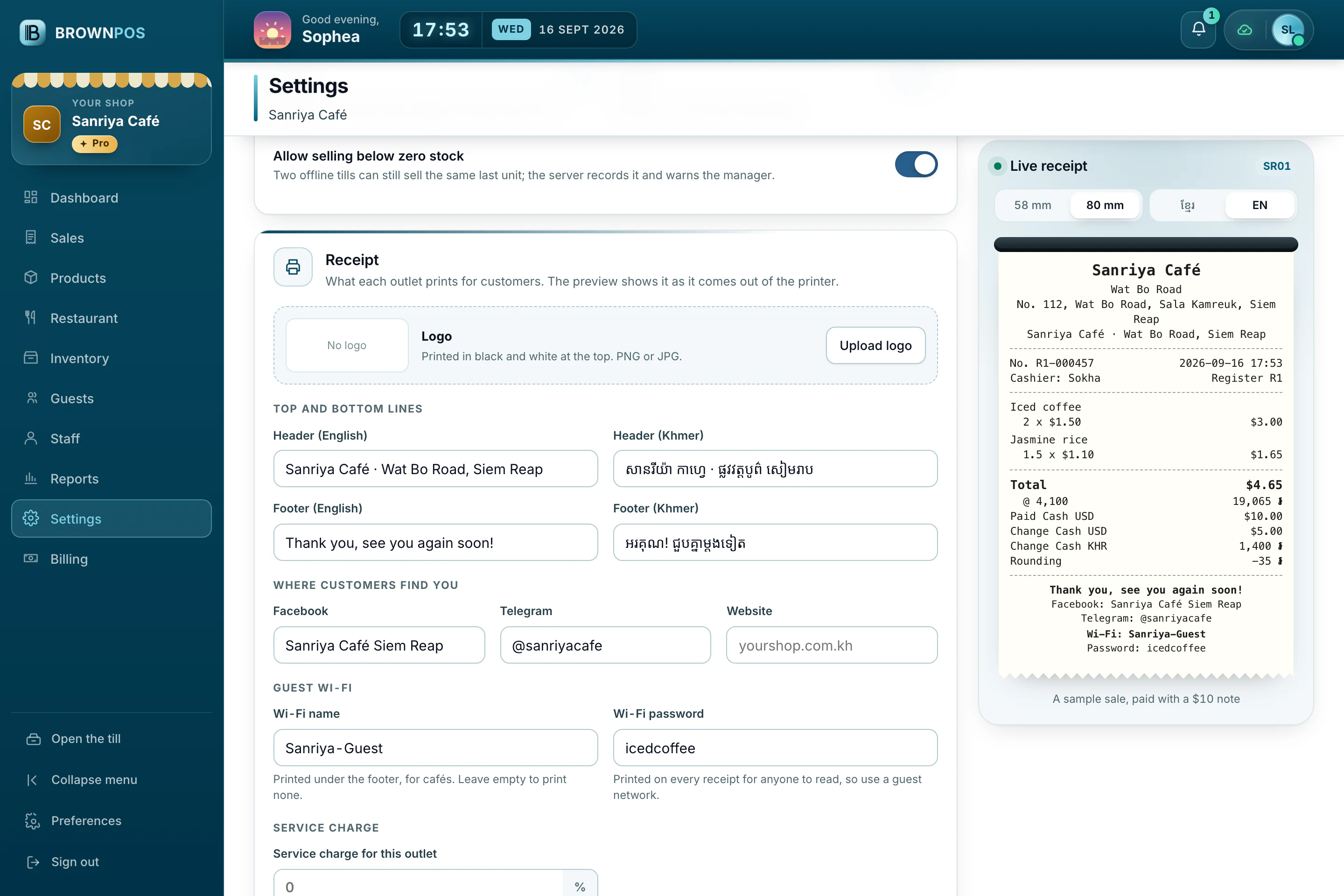
- In the back office, open Settings › Shop › Receipt.
- Upload the QR from your ABA, ACLEDA or other bank app.
- Choose whether it prints on bills, receipts or both, and how big it is.