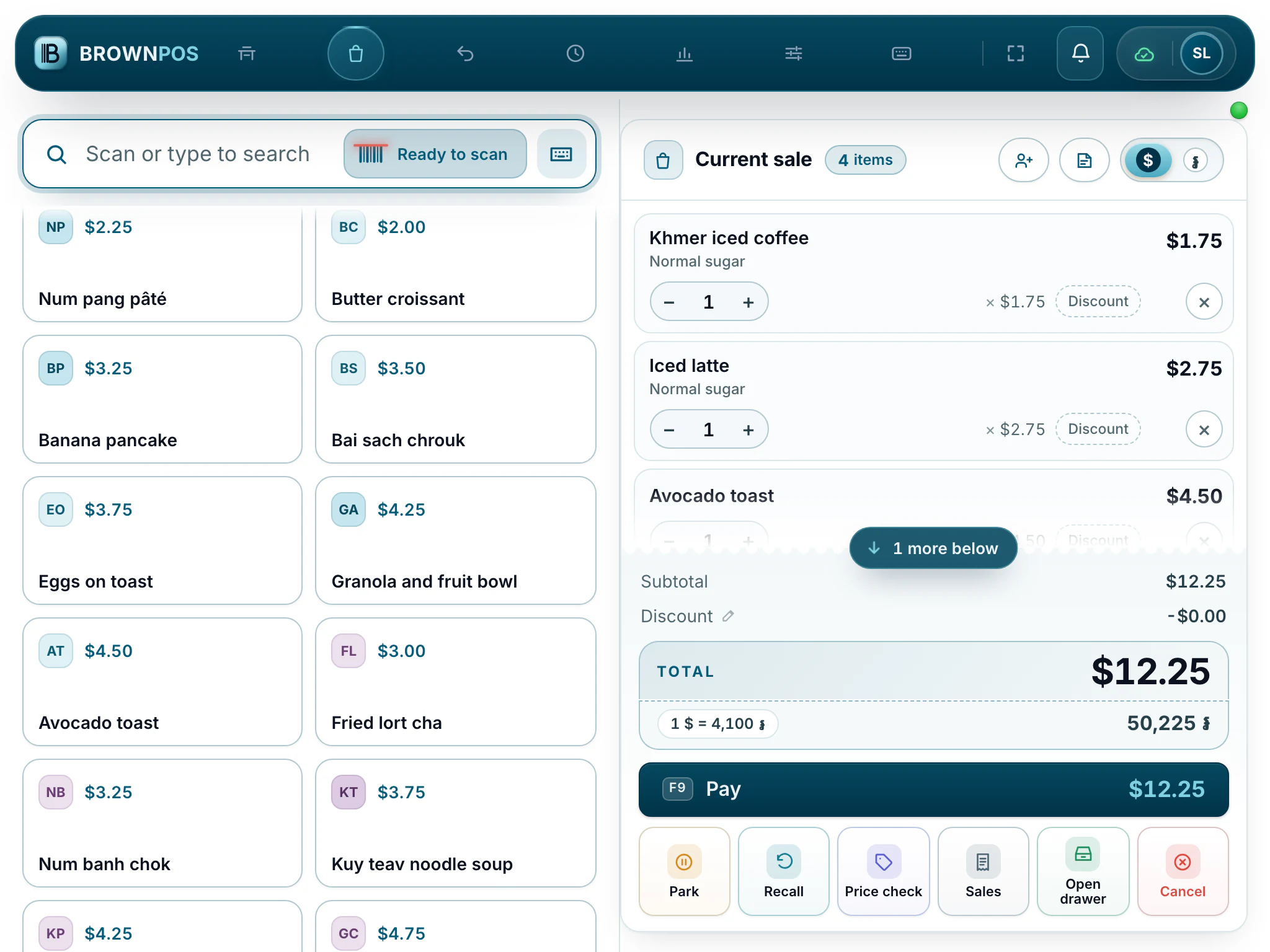
Use the till on a phone or a tablet
BrownPOS runs in the browser, so a phone or a tablet can be a till too, with the same sales, tables and prices.
Set one up
- On the phone or tablet, open your till’s web address.
- Enter a pairing code from the back office and give the device a name.
- Pick your name and type your PIN.
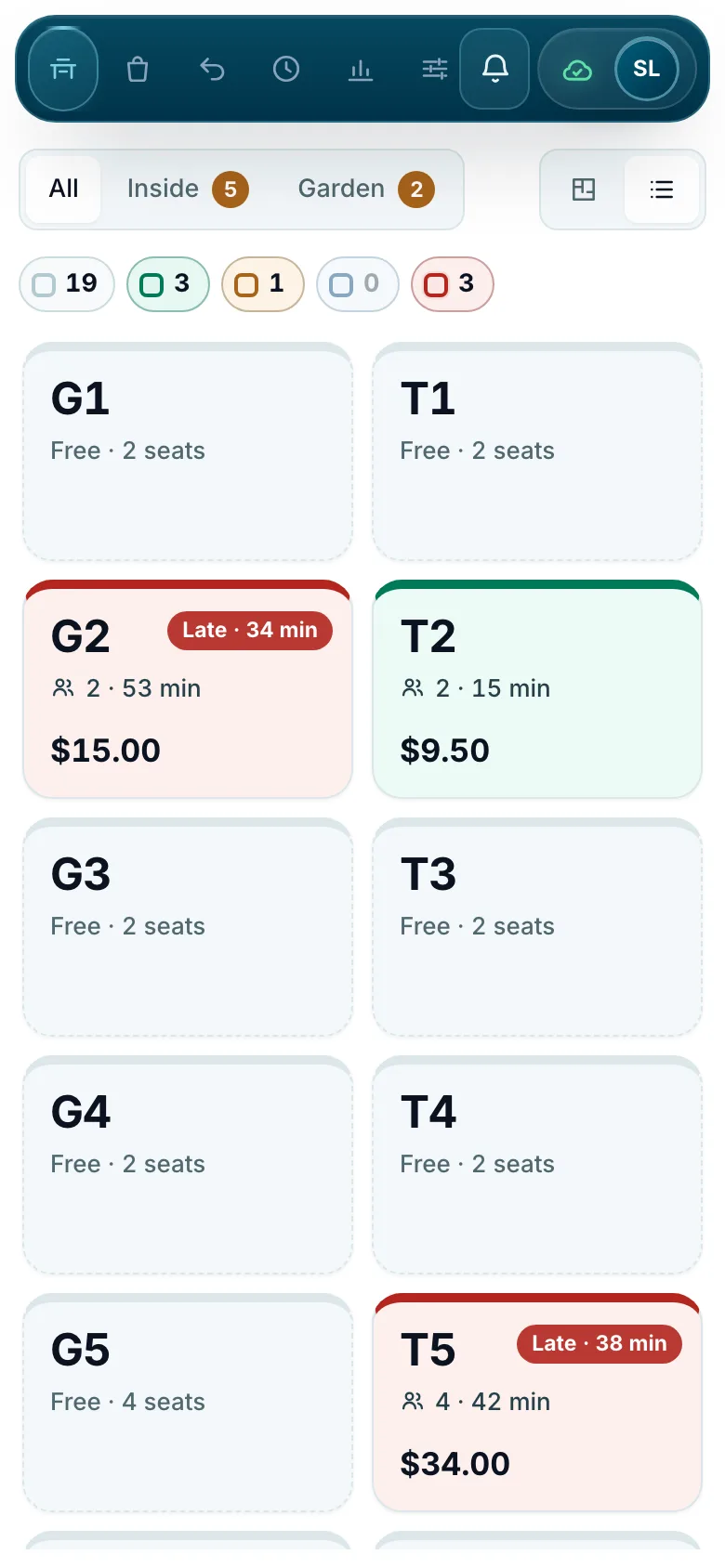
On a tablet
The tabs become icons and the buttons stay big enough for a busy counter.