Seat tonight’s bookings at the till
Tonight’s bookings are on the till, grouped into late, here now and coming. Seat a party in one tap.
The booking screen
This is the screen a host stands in front of on the night. It shows the night it is standing in, not next week.
- On the till, press Bookings (or F5).
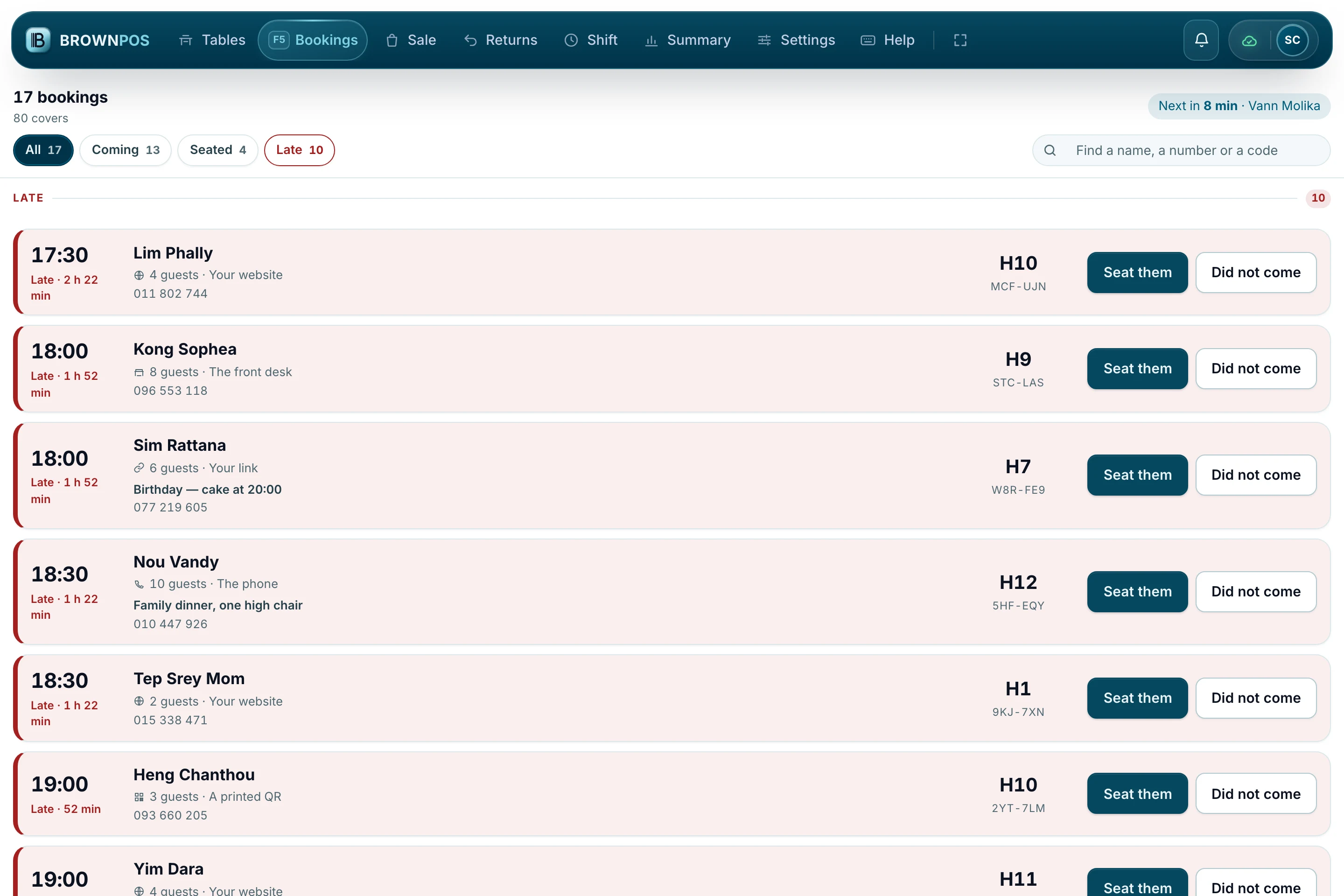
- Parties are grouped into Late, Here now and Coming, with the late ones at the top.
- Each card shows the guest, the party, how they booked, their note, their phone and the table they are for.
When they walk in
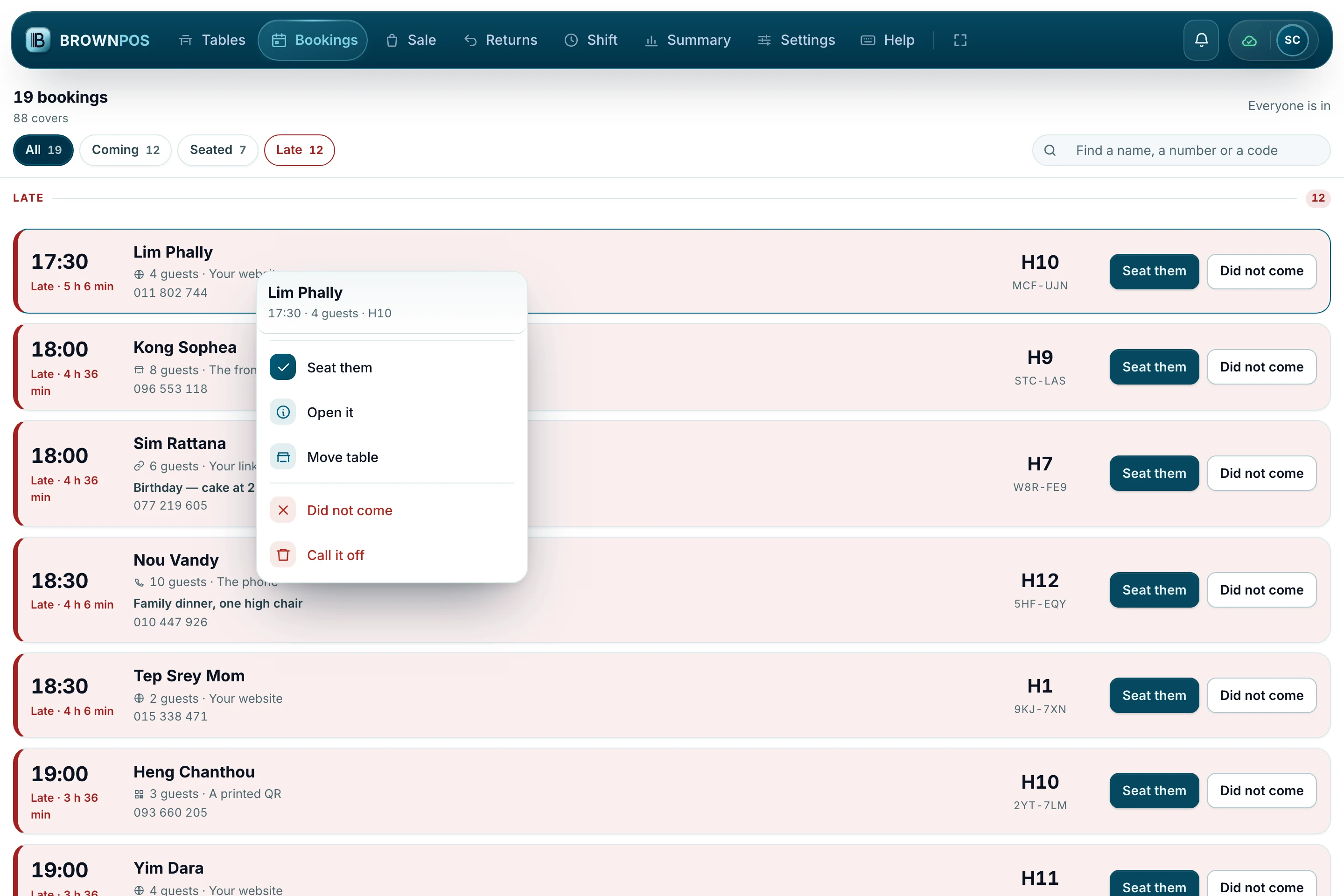
Nothing here happens on one tap: the till asks first and says whose table it is about, because this is a screen being touched all night.
- Press Seat them on the card, and answer the question.
- The table is taken from that moment and the booking comes off the list.
- If they never arrive, press Did not come. The table is let go.
Somebody rings instead
A booking taken at the desk goes in the same diary as one from your website. There is only ever one diary.
- In the back office, open Reservations and press Take a booking.
- Find the guest by phone if they have been before, or type their name.
- Pick the day, the sitting and a table, and save it.